Introduction
I have been working with WordPress websites for many years.
Most of the time, when I build serious projects for myself or clients, I use self-hosted WordPress. That usually means buying hosting, setting up the domain, installing WordPress, configuring themes, adding plugins, handling backups, improving speed, securing the site, and maintaining everything over time.
This gives you a lot of power.
But it also gives you a lot of responsibility.
Recently, I decided to test WordPress.com again in 2026 by building a real website on the platform. I did not want to write another generic comparison based on marketing pages. I wanted to see how WordPress.com feels today from the perspective of someone who already knows self-hosted WordPress very well.
So in this article, I want to compare WordPress.com and self-hosted WordPress from real experience.
This is not about declaring one option “better” for everyone.
It is about understanding which one makes more sense depending on the type of user you are, the kind of website you want to build, and how much technical control you really need.
The Main Difference Between WordPress.com and Self-Hosted WordPress
The biggest difference is simple.
With self-hosted WordPress, you are responsible for the l'hébergementl'environnement.
Avec WordPress.com, much of that technical work is managed for you.
Self-hosted WordPress gives you the open-source WordPress software, but you need somewhere to install it. That usually means using a l'hébergementprovider, VPS, dedicated server, or managed WordPress host. You control almost everything, but you also need to maintain almost everything.
WordPress.com gives you WordPress inside a managed platform. Hosting, core software updates, basic infrastructure, security layers, and many technical details are handled by the platform.
For beginners, this can be a huge relief.
For advanced users, it can feel like a trade-off.
That is the core of the comparison.
WordPress.com is about simplicity, speed of launch, and managed convenience.
Self-hosted WordPress is about control, flexibility, and ownership of the full technical environment.
My Background With Self-Hosted WordPress
I normally work with self-hosted WordPress because I like having full control.
When I manage a self-hosted WordPress website, I can choose the server setup, PHP version, caching system, security tools, backup solution, DNS configuration, email setup, staging process, and plugin stack.
For client websites, this is often useful because every project has different needs.
Some websites need WooCommerce.
Some need custom forms.
Some need multilingual functionality.
Some need advanced SEO plugins.
Some need speed optimization with server-level caching.
Some need custom code or plugin development.
This flexibility is one of the biggest strengths of self-hosted WordPress.
But I also know the other side of it.
A self-hosted WordPress website can become stressful for someone who is not technical. Updates can break things. plugins can conflict. Cheap l'hébergementcan slow down the site. Security needs attention. Backups must be tested. Malware cleanup can become expensive if the site is not maintained properly.
So while I love self-hosted WordPress, I do not think every beginner should start there automatically.
Why I Tested WordPress.com Again
I wanted to see if WordPress.com could offer a better experience for users who simply want to build a clean website without thinking about servers.
My test was based on a real project, not just clicking around for a few minutes.
I created a website, explored the dashboard, tested the editor, checked the available themes, reviewed the plan options, looked at settings, and paid attention to how the platform feels compared to the traditional self-hosted WordPress workflow.
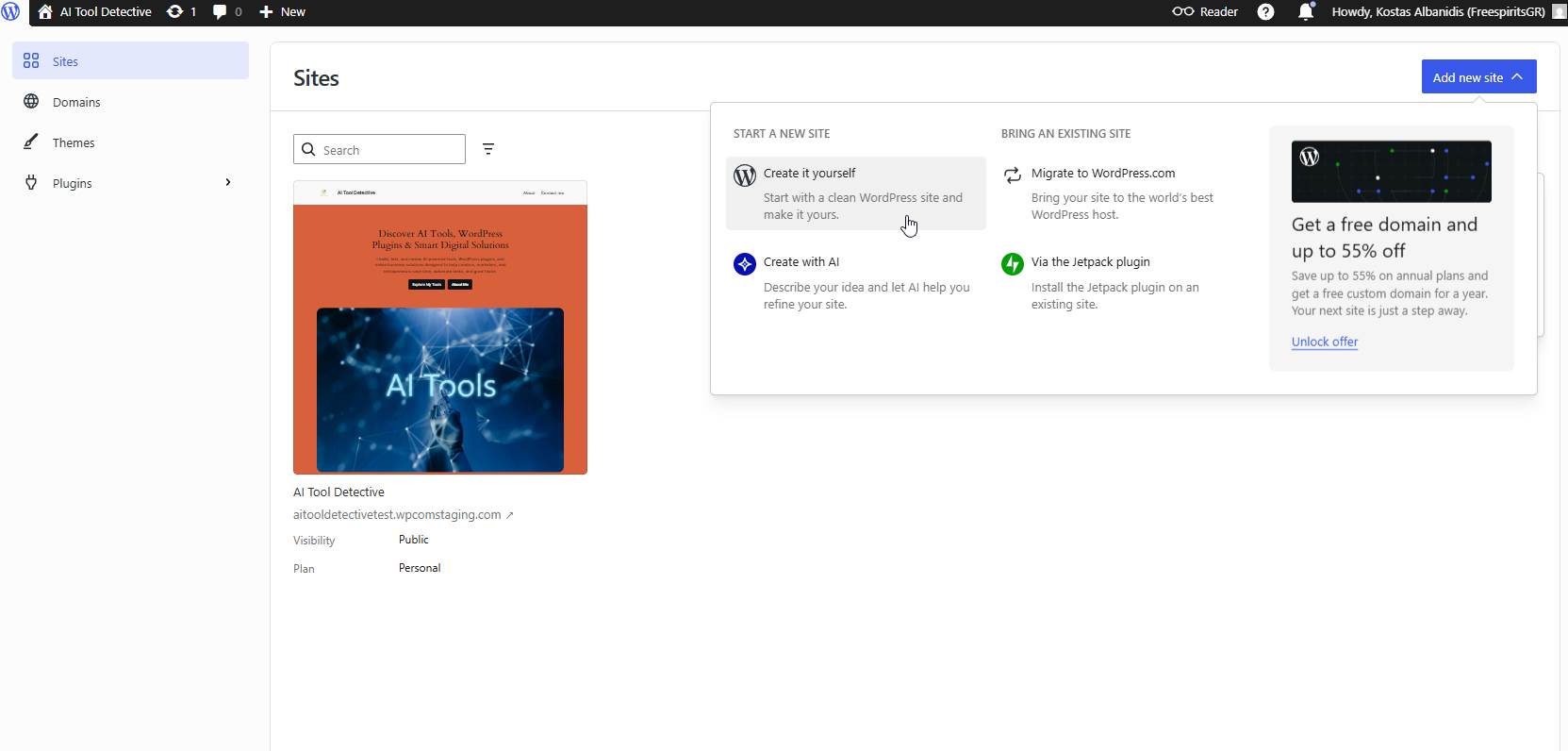
The first thing I noticed was that WordPress.com removes many of the steps that usually slow beginners down.
There was no need to manually install WordPress.
There was no need to create a database.
There was no need to connect FTP.
There was no need to configure l'hébergementcontrol panel settings.
The site creation process was guided, cleaner, and much less intimidating.
For someone who has never built a website before, this matters.
A lot.
Setup Experience: WordPress.com Is Faster for Beginners
If I compare the first hour of using both platforms, WordPress.com clearly feels easier.
With self-hosted WordPress, the first hour may include buying hosting, pointing DNS, installing SSL, setting up WordPress, choosing a theme, configuring basic plugins, and checking if everything works correctly.
For me, this is normal.
For a beginner, this can be overwhelming.
Avec WordPress.com, the technical setup is mostly hidden. You can focus on naming the website, choosing a design, creating pages, and publishing content.
This makes WordPress.com a better starting point for many bloggers, creators, small business owners, coaches, consultants, and portfolio builders.
The dashboard also feels more guided than a raw self-hosted WordPress installation.
Instead of feeling like you have been dropped inside a technical admin panel, WordPress.com gives you a more organized path.
I still prefer self-hosted WordPress when I need full control, but I have to admit that WordPress.com is much friendlier for someone who wants to launch quickly.
Dashboard and Workflow
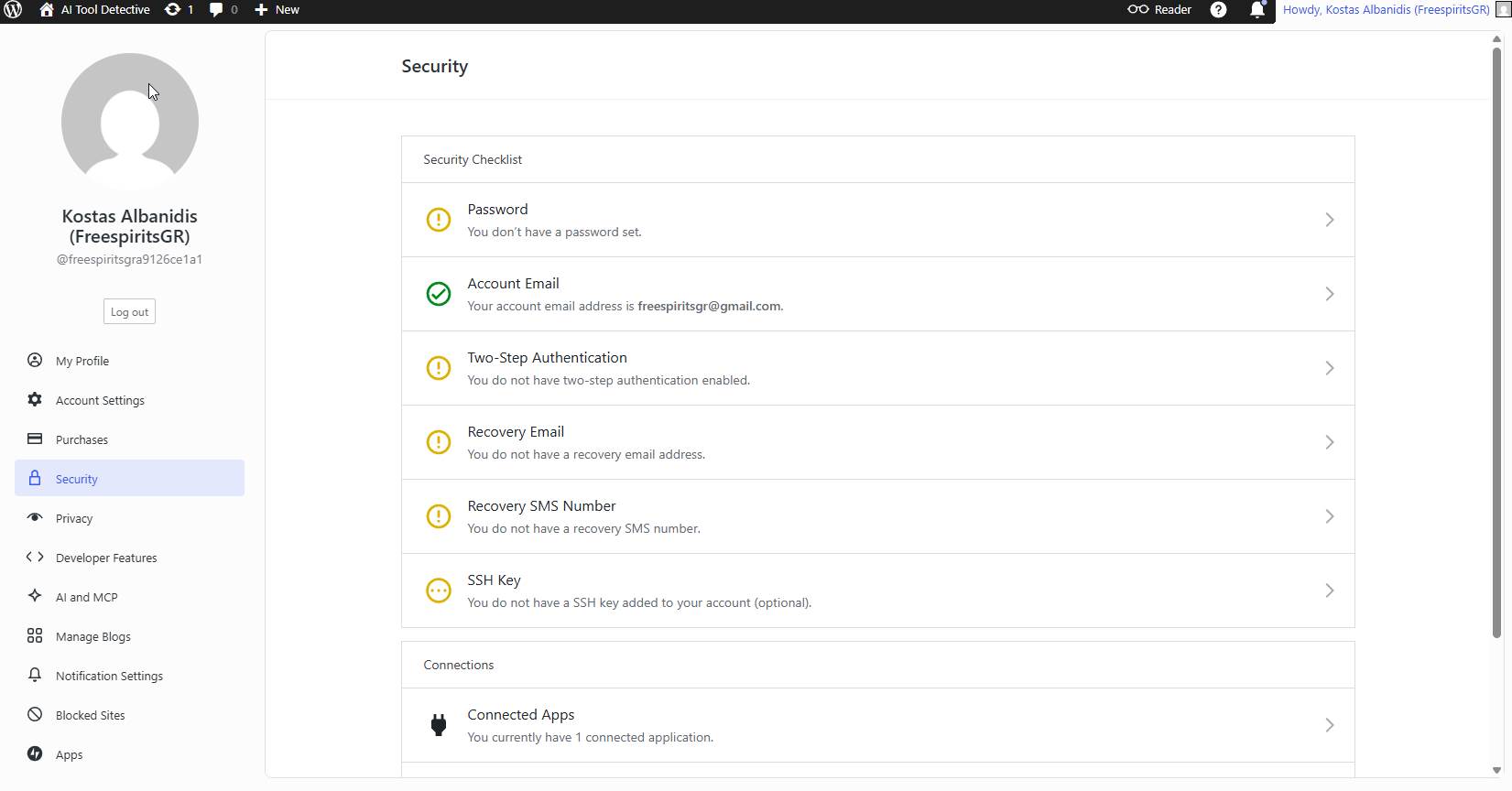
Le WordPress.com dashboard felt clean and organized during my test.
I could access the important areas such as pages, posts, media, appearance, plugins, settings, security, privacy, and site management without feeling lost.
Self-hosted WordPress also has a clean dashboard, but it depends heavily on the l'hébergementprovider, theme, and plugins installed.
A fresh self-hosted WordPress installation is simple.
But after adding SEO plugins, page builders, security plugins, cache plugins, backup plugins, WooCommerce, analytics tools, and marketing integrations, the dashboard can become crowded very quickly.
This is one area where WordPress.com feels calmer.
It keeps more of the technical structure under control.
For non-technical users, that can make the daily experience easier.
For developers, however, self-hosted WordPress still feels more open and flexible.
Themes and Design Flexibility
Design is important because most users want their website to look professional without hiring a designer.
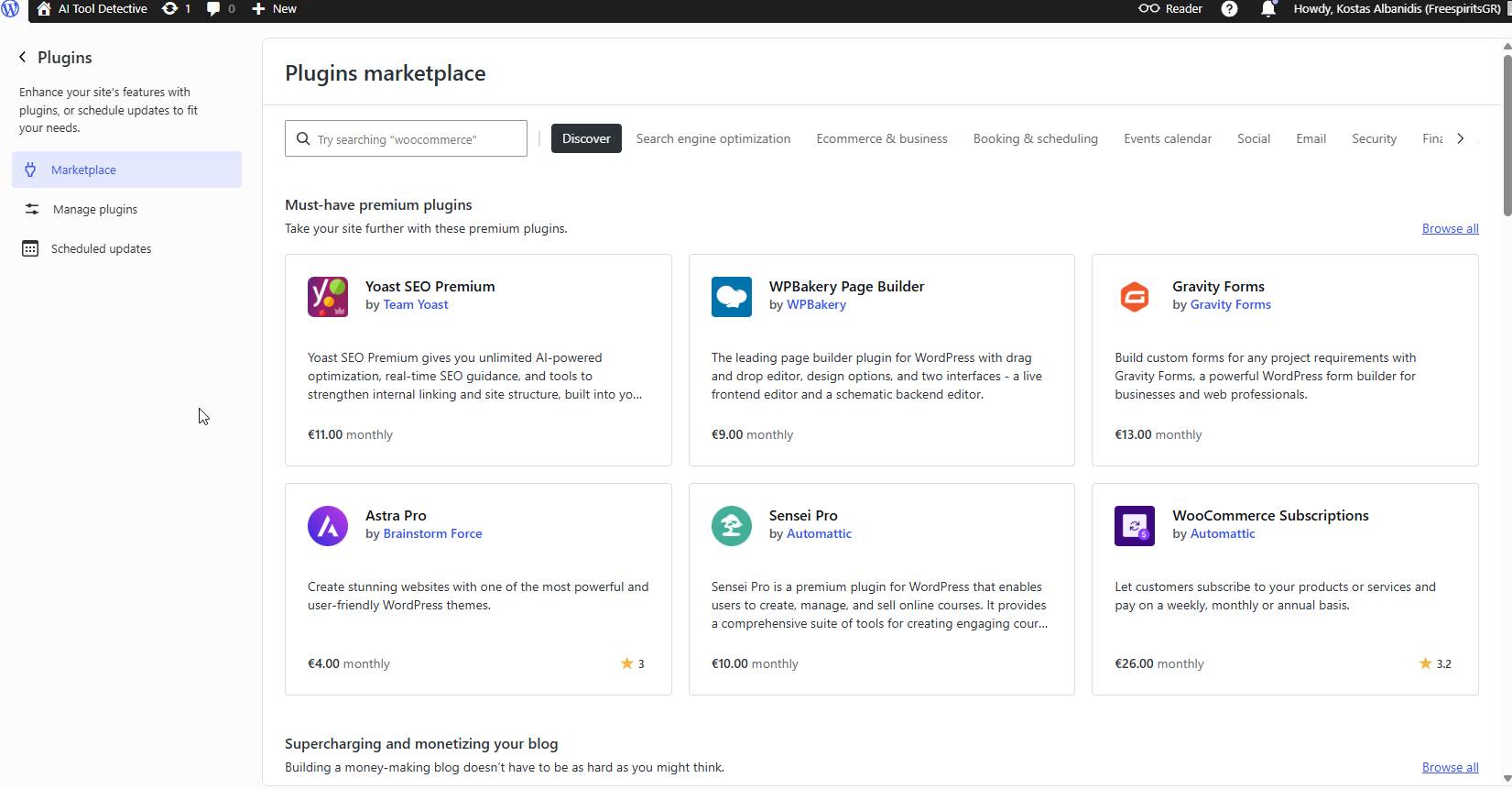
In WordPress.com, I found the theme browsing experience simple and beginner-friendly. There are themes for blogs, businesses, portfolios, creators, online stores, and other common website types.
The good thing is that you can get a clean design started quickly.
The limitation is that advanced users may eventually want more freedom.
On self-hosted WordPress, I can install almost any theme I want. I can use Astra, GeneratePress, Kadence, Blocksy, Hello Elementor, custom themes, child themes, or completely custom templates. I can also edit files directly if needed.
On WordPress.com, the experience depends on the plan and available features. It is easier, but not always as open as managing everything yourself.
For most beginners, WordPress.com offers enough design flexibility to create a professional-looking website.
For advanced agencies, developers, or custom projects, self-hosted WordPress still provides more freedom.
plugins and Advanced Features
plugins are one of the biggest reasons people love WordPress.
With self-hosted WordPress, I can install almost any plugin from the WordPress plugin directory or upload premium plugins manually.
This is extremely powerful.
It is also risky if the user does not know what they are doing.
Too many plugins can slow down a site. Poorly coded plugins can create conflicts. Outdated plugins can become security problems. Some plugins overlap and create unnecessary complexity.
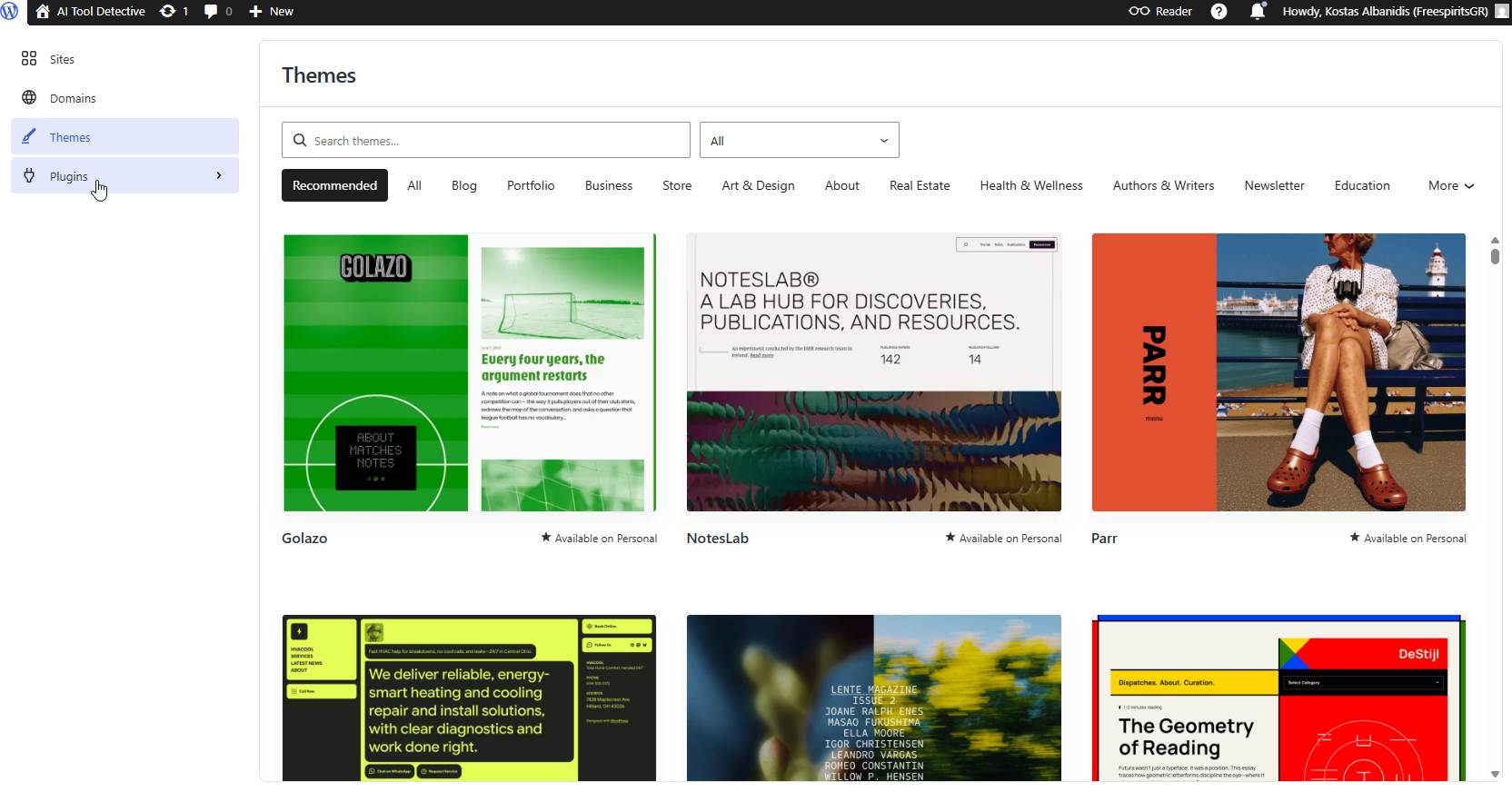
On WordPress.com, the plugin experience is more controlled and depends on the plan and feature access. During my testing, I explored the plugin area and noticed that WordPress.com has become much more serious about supporting advanced website needs than in the past.
Still, this is one of the main decision points.
If you need a basic website, blog, portfolio, or small business site, WordPress.com may be enough.
If you need a very specific stack of plugins, custom code, advanced integrations, or server-level control, self-hosted WordPress may still be the better option.
Security and Maintenance
C'est ici que WordPress.com has a major advantage for beginners.
With self-hosted WordPress, security is your responsibility.
You need to keep WordPress updated.
You need to update plugins.
You need to update themes.
You need to protect login pages.
You need to monitor suspicious files.
You need reliable backups.
You need to know what to do if something breaks.
As someone who has dealt with hacked websites and malware cleanup, I know how serious this can become.
Many website owners ignore updates for months or years. Then one day the website redirects to spam, sends malicious emails, gets blacklisted, or disappears from Google results.
WordPress.com reduces a lot of that risk because the platform handles much of the infrastructure, updates, and security layer for you.
This does not mean you can ignore everything.
You still need strong passwords, two-factor authentication, careful user permissions, and good content practices.
But compared to unmanaged self-hosted WordPress, WordPress.com can give non-technical users more peace of mind.
For beginners and small businesses, this is one of the strongest reasons to consider WordPress.com.
Performance and Hosting
Performance depends on many things.
With self-hosted WordPress, speed can be excellent if the l'hébergementenvironment is configured properly. You can use caching, CDN, optimized images, object caching, server tuning, good PHP settings, and performance-focused themes.
But if you use poor l'hébergementor install too many heavy plugins, self-hosted WordPress can become slow.
WordPress.com gives users a managed l'hébergementenvironment without requiring them to understand all those technical details.
This is useful for people who do not want to learn server management.
The trade-off is that you do not have the same level of low-level control that you get with your own l'hébergementsetup.
So again, the right choice depends on the user.
If you want simplicity, WordPress.com is attractive.
If you want complete performance control, self-hosted WordPress gives you more room to customize.
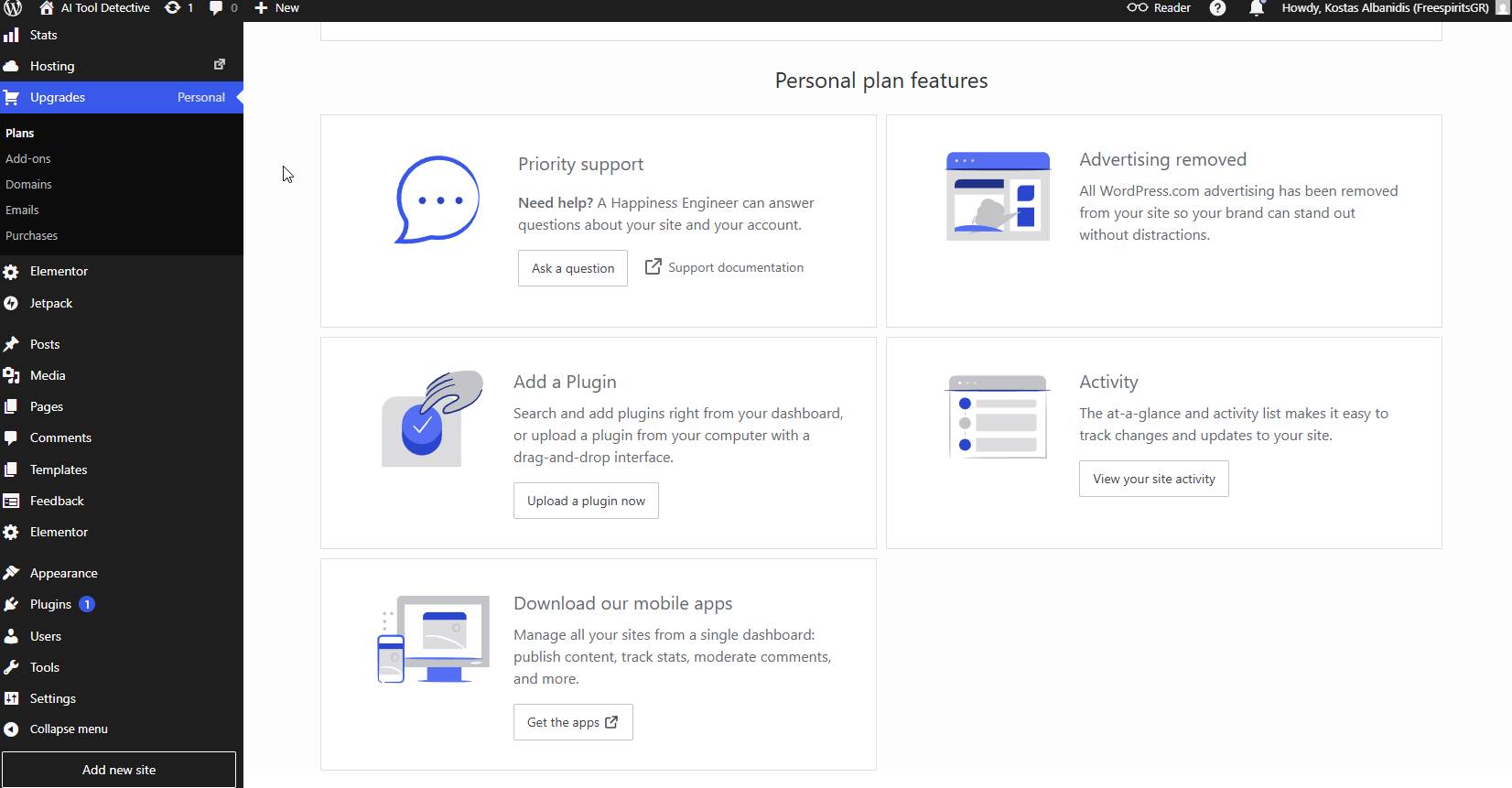
Pricing in 2026
Pricing is another area where people need to think carefully.
At the time of writing, WordPress.com pricing shows the following main plans:
Personal: $9 per month when paid monthly, or $4 per month when paid annually.
Premium: $18 per month when paid monthly, or $8 per month when paid annually.
Business: $40 per month when paid monthly, or $25 per month when paid annually.
Commerce: $70 per month when paid monthly, or $45 per month when paid annually.
There is also a free plan, which is useful for testing, but it has limitations such as WordPress.com ads and less professional branding.
Compared to self-hosted WordPress, pricing is not always a simple comparison.
Self-hosted WordPress can look cheaper at first because you may find low-cost hosting. But once you add premium themes, security tools, backup tools, caching tools, support time, maintenance, and possible developer help, the real cost can increase.
WordPress.com is more predictable.
You pay for a managed platform and avoid many technical responsibilities.
For a simple blog or portfolio, the Personal or Premium plan may make sense.
For more advanced websites, the Business or Commerce plans become more relevant.
The important question is not only “Which one is cheaper?”
The better question is:
How much time, technical work, maintenance, and risk do you want to handle yourself?
What I Liked About WordPress.com
After using WordPress.com, I can clearly see why many people choose it.
The setup is fast.
The dashboard is clean.
The platform is beginner-friendly.
l'hébergementis included.
Security feels more managed.
Updates are not as stressful.
Themes are easy to browse.
The whole experience is designed to help users publish instead of getting stuck in technical setup.
For bloggers, creators, consultants, and small business owners, this is valuable.
Many people do not want to become server administrators.
They just want a website that works.
WordPress.com serves that type of user very well.
What I Still Prefer About Self-Hosted WordPress
Even though WordPress.com impressed me, I still prefer self-hosted WordPress for certain projects.
When I need full control, self-hosted WordPress wins.
I can choose the l'hébergementstack.
I can install any plugin.
I can edit files directly.
I can create custom functionality.
I can optimize the server.
I can manage advanced caching.
I can migrate freely.
I can build exactly what the project requires.
For developers, agencies, advanced marketers, ecommerce owners, and businesses with custom needs, self-hosted WordPress remains extremely powerful.
But that power comes with responsibility.
You need to maintain it properly.
Honest Limitations of WordPress.com
WordPress.com is not perfect.
The biggest limitation is that advanced users may feel restricted compared to self-hosted WordPress.
Some features depend on the plan you choose.
Monthly pricing can become more expensive if you need higher-level features.
Developers who are used to controlling every technical detail may miss direct server-level access on lower plans.
Also, if your entire workflow depends on specific plugins, custom code, or a custom l'hébergementconfiguration, you should compare the available WordPress.com plan carefully before moving.
This is why I would not say WordPress.com replaces self-hosted WordPress for everyone.
It does not.
But it does solve a very real problem for people who want WordPress without the technical maintenance burden.
Who Should Choose WordPress.com?
I would recommend WordPress.com to:
Bloggers who want to start publishing quickly.
Small business owners who need a professional web presence.
Creators who want a portfolio.
Coaches and consultants who do not want to manage hosting.
Beginners who feel overwhelmed by technical setup.
Users who want WordPress but do not want server maintenance.
People who value simplicity more than full technical control.
For these users, WordPress.com can be a very practical choice.
Who Should Choose Self-Hosted WordPress?
Self-hosted WordPress is still better for:
Developers.
Agencies.
Advanced affiliate marketers.
Large ecommerce projects.
Membership websites with custom requirements.
Websites that need specific plugins or integrations.
Users who want full control over l'hébergementand performance.
People who are comfortable managing updates, backups, and security.
If you know what you are doing, self-hosted WordPress gives you more freedom.
But if you do not maintain it properly, that freedom can become a problem.
My Final Verdict
After using both, my opinion is simple.
WordPress.com is better for users who want simplicity, speed, managed hosting, and less technical responsibility.
Self-hosted WordPress is better for users who want full control, advanced customization, and complete freedom over the technical environment.
As someone who works with self-hosted WordPress regularly, I still love the flexibility it provides.
But after testing WordPress.com in 2026, I also understand its value much better.
It is not just a beginner platform anymore.
It has matured into a serious website-building option for bloggers, creators, small businesses, and even some professional projects.
The best choice depends on your goal.
If you want to focus on content, branding, and publishing without worrying about hosting, updates, and security, WordPress.com is absolutely worth considering.
If you want to build something highly custom and you are comfortable managing the technical side, self-hosted WordPress may still be the better path.
For many people starting today, especially those who want a clean website without technical stress, I would seriously consider starting with WordPress.com.