
Contact Support

24/7 Customer Support

All Systems Operational

Online store always open

Can I upload and manage my own audio files with AzuraCast?

Can I upload and manage my own audio files with AzuraCast?

Can I upload and manage my own audio files with AzuraCast?
Facebook
Twitter
LinkedIn
Pinterest
🕒 1 minute 38 seconds | 👁️ 11010 Total Reads | 👤 11015 visits | 📊 99.95%
Reading time: 1 minute 38 secondsTotal Reads: 11010Unique visits: 11015Engagement (R/V %): 99.95%Powered by Freespirits and Konstantinos Dim. Albanidis

What audio formats are compatible with AzuraCast?

Can I upload and manage my own audio files with AzuraCast?

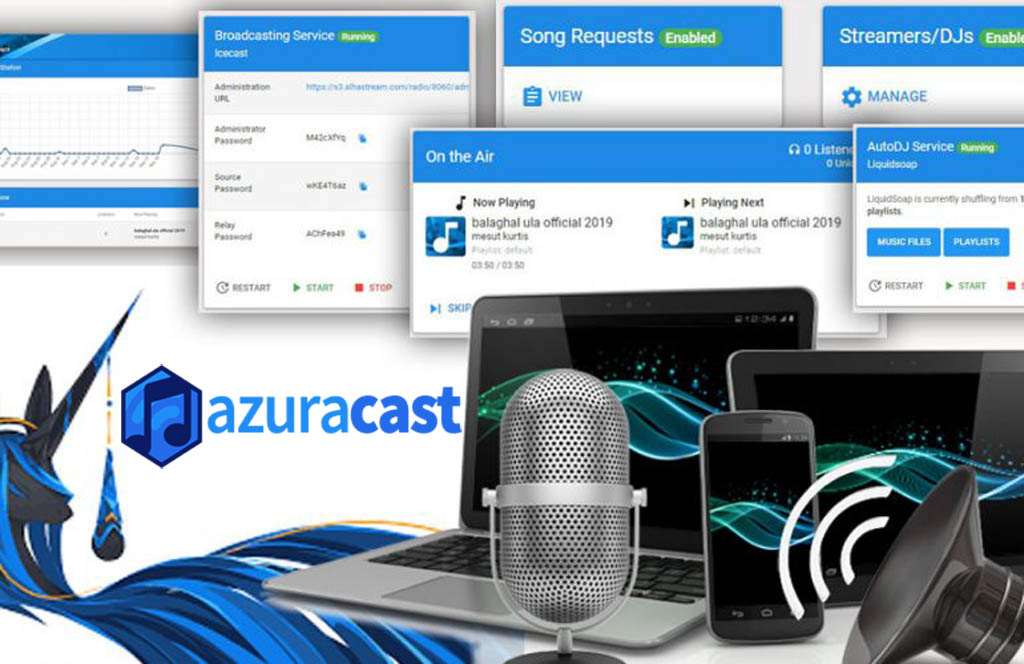
Have you ever wanted to upload and manage your own audio files with AzuraCast? The answer is a resounding yes! AzuraCast is a powerful and open source radio station management suite that allows you to easily upload and manage your audio files.

In this article, we’ll go over the steps you need to take in order to upload and manage your audio files with AzuraCast.

Step 1: Sign Up for a Free AzuraCast Account

The first step is to create an AzuraCast account. Head over to the AzuraCast website and click on the “Create Your Account” button at the top right corner of the page. Enter your information and create your account.

Step 2: Upload Your Audio Files

Once your account is created, you’ll need to upload all of your audio files to your AzuraCast account. You can do this through the web interface, or you can use an FTP client to upload the files.

Step 3: Manage Your Audio Files

Once your files have been uploaded, you can begin managing them. You can create playlists, customize settings, and more. There is a drag and drop editor in the web interface that makes it easy to manage your audio files.

Step 4: Create and Publish Your Radio Station

Once you’ve uploaded and managed your audio files, you’ll need to create and publish your radio station. You can do this through the web interface. Simply click on the “Create Station” button and follow the steps. Once your radio station is up and running, you can start broadcasting.

Conclusion

At Free Spirits, we specialize in Azuracast web radio projects and can help you set up and manage your own audio files with AzuraCast. We provide the fastest, most reliable e-radio services and support systems. For more information, please visit our websites www.freespirits.gr and www.fspirits.com.




Need help with your project? Get in touch!

Give Us A Call At: 00302310729873
Send Us A Message At: [email protected]
Fill In Our Contact Form

Picture of Constantinos Albanidis

Constantinos Albanidis

We are Pioneers in the Field of Marketing, creating personalized and innovative solutions to help our clients grow their businesses and achieve their goals.

Follow Us

Subscribe To Our Channel

About Freespirits

At FreeSpirits Web Services, we believe that your online presence should reflect the uniqueness and spirit of your business. Our team of skilled designers and developers is dedicated to crafting visually stunning and user-friendly websites that capture the essence of your brand. From captivating web designs to seamless functionality, we provide comprehensive web services tailored to your specific needs. Whether you’re a small business or a large enterprise, our expertise in web design and development ensures that your website stands out from the crowd, engages visitors, and drives results. Experience the freedom of a beautifully designed website that truly embodies the spirit of your business with FreeSpirits Web Services.

Latest Articles

Subscribe To Our
Greek Channel

[bsa_pro_ad_space id=5]
Konstantinos
How can I help?
Konstantinos
Konstantinos
×
Konstantinos
Hi! I am here to help you. Ask me anything about our business, our services, or products.
×

🎉 SPECIAL OFFER: Get 50% OFF all available Freespirits modules and plugins! Use coupon code FREESPIRITS-50 at checkout and save instantly!