
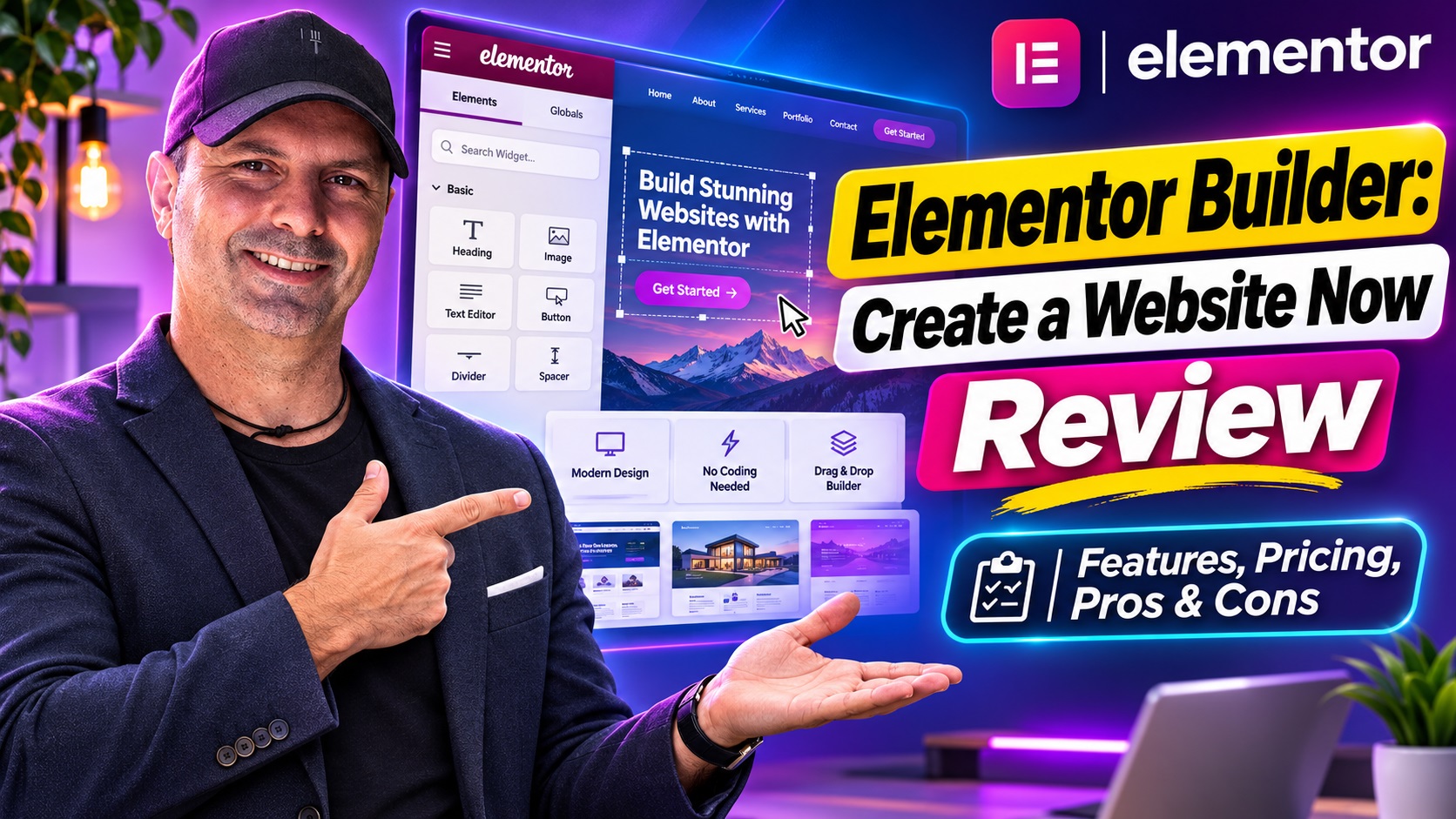
Elementor caught my attention because it sits in a useful middle ground: it gives beginners a visual way to build a website, while still leaving enough control for experienced creators, freelancers, and agencies. You can start without writing code, but you’re not locked into a rigid set of layouts or limited design choices when your needs become more ambitious.
After spending time with the platform, I can see why Elementor has become such a familiar name in WordPress website creation. The drag-and-drop Editor is the main attraction, but it’s no longer the whole story. Elementor now brings together AI-assisted planning and creation, design controls, forms, popups, optimization tools, hosting options, domains, and website management features.
That breadth is both its biggest strength and one of the things you need to understand before signing up. Elementor can help you build a simple portfolio, landing page, blog, business website, membership site, or online store. However, the right plan depends heavily on whether you’re creating one website, managing several client projects, or looking for a broader WordPress operating system.
Was Elementor Is and How It Works
Elementor is a website builder designed for WordPress. Its visual Editor lets you create and adjust pages by placing elements on the page rather than editing code directly. Text, images, buttons, forms, galleries, videos, headings, columns, and other components can be arranged visually, then refined for different screen sizes.
That approach makes a major difference for anyone who understands how they want a website to look but doesn’t want to learn HTML, CSS, or WordPress Thema development before getting started. You can work directly on the design, see changes as you make them, and keep refining the details until the layout feels right.
At the same time, Elementor isn’t limited to beginners. More advanced users can work with global styles, custom CSS, code, dynamic content, reusable templates, motion effects, masks, and responsive controls. That flexibility means a designer can create a consistent visual system, while a developer can step in when custom functionality is needed.
The platform also supports WooCommerce, so it can be used for online stores as well as informational websites. A store owner can use the visual Editor alongside WordPress and WooCommerce tools to shape product pages, shop layouts, and other customer-facing parts of the buying experience.
The Features I Found Most Useful
Visual drag-and-drop editing
The visual Editor remains Elementor’s strongest feature. It removes much of the distance between an idea and the finished page. Instead of imagining how a block of code might render, you can adjust the page in a visual workspace and make design decisions immediately.
I particularly value the level of control available after the initial layout is in place. The platform supports global colors and fonts, responsive adjustments, spacing controls, CSS transforms, animations, and other detailed styling options. This is important because a website rarely looks professional simply because it contains attractive individual sections. The typography, spacing, hierarchy, and behavior across mobile and desktop all need to work together.
Templates and reusable layouts also help reduce repetitive work. For a freelancer or agency, being able to reuse a page structure, brand settings, or section across projects can make production more consistent. For an individual site owner, it means you don’t have to rebuild common elements every time you add a new page.
AI for planning and first drafts
Elementor’s AI tools are intended to speed up the early stages of website creation. The AI Site Planner can help generate a brief, sitemap, and wireframes, giving you something more useful than a blank Leinwand. That is a sensible use of AI because planning is often where website projects stall.
The platform also offers AI capabilities for content, images, logos, layouts, and code. A user might start with a rough description of a business, generate an initial page structure, then adjust the wording, brand colors, imagery, and components inside the Editor.
I don’t see these tools as a replacement for judgment. AI can help produce a starting point, but the result still needs review for accuracy, tone, Zugänglichkeit, consistency, and originality. The real benefit is momentum. Getting from an idea to a workable first draft can feel much easier when the platform helps with the initial structure.
Forms, popups, and lead capture
Elementor is more useful for business websites because it includes tools for conversion-focused elements such as forms and popups. These features can support contact requests, newsletter signups, event registrations, inquiries, and other actions that turn a website visit into a potential relationship.
That keeps the basic marketing workflow close to the page-building workflow. You can design the surrounding page, add a form, and connect the site to relevant services or WordPress Plugins. The platform also includes Site Mailer for transactional email delivery, with delivery logs intended to make important site emails more dependable than relying on a basic Hosting configuration alone.
Dynamic content and display conditions
For more complex websites, static pages aren’t always enough. Elementor supports dynamic content and display conditions, which can help personalize what visitors see or manage data-driven layouts. This is useful for sites with listings, directories, membership content, custom post types, or different audiences.
These capabilities are more relevant to professional creators than to someone building a five-page brochure site, but they show that Elementor can scale beyond simple visual editing. The same environment can serve a small business today and a more structured content project later.
Performance, Zugänglichkeit, and image optimization
A beautiful page is not much use if it is slow, difficult to navigate, or inaccessible to part of its audience. Elementor includes tools aimed at image optimization, Zugänglichkeit, and performance. Its image tools can compress images and convert them to newer formats such as WebP and AVIF, while performance features address areas such as adaptive loading, responsive assets, caching, and Core Web Vitals.
Die Zugänglichkeit tools are also worthwhile. Features that identify issues and guide improvements can help creators notice problems they might otherwise miss. They don’t remove the need for human review, but they make Zugänglichkeit easier to include in the normal design process rather than treating it as an afterthought.
Cookie consent tools are available as well, including customizable banners, site scanning, script blocking, and visitor controls. Privacy requirements vary by audience and location, so these tools shouldn’t be treated as automatic legal compliance, but they can simplify an otherwise fiddly part of website management.
What the Typical Workflow Looks Like
A sensible Elementor workflow begins before the visual design work. You can use the AI Site Planner to outline the website, identify the main pages, and produce an initial structure. Alternatively, you can begin with a template or a blank layout if you already know what you want.
From there, the process is fairly intuitive: establish the brand colors and fonts, build or customize the key pages, add navigation and calls to action, then check the layouts at different screen sizes. Forms, popups, dynamic elements, analytics, SEO tools, and third-party integrations can be added as the site becomes more complete.
For a straightforward website, Elementor can help move quickly from rough idea to usable draft. The time savings are most noticeable during early layout work and when repeating design patterns. However, a professional result still requires editing. Copy needs to be accurate and specific, images need to support the brand, and the mobile version needs more than a quick glance.
Publishing can happen through your existing WordPress Hosting provider, or through Elementor Host. Elementor also offers domain purchasing and management, which can reduce the number of separate services involved in launching a site. That all-in-one approach will appeal to people who would rather manage fewer technical connections.
Limitations and Small Frustrations
Elementor’s flexibility comes with a learning curve. The basic drag-and-drop concept is easy to understand, but the full range of settings can take time to absorb. Global styles, responsive controls, templates, dynamic content, custom code, and integrations are powerful, yet they create more decisions than a very simple website builder would.
The platform is also best suited to people who are comfortable working within WordPress. If you want a completely standalone website service with no interest in WordPress, Elementor may not be the most natural fit. It adds a visual layer to WordPress rather than replacing the broader WordPress ecosystem.
Third-party Plugins are another practical consideration. Elementor supports the wider WordPress Plugin ecosystem, which is a major advantage, but every additional Plugin can affect compatibility, maintenance, security, or performance. The sensible approach is to choose add-ons carefully and check how they work together rather than installing tools simply because they are available.
AI-generated content and designs also need supervision. They can accelerate planning and production, but they won’t automatically understand the nuances of your business, customers, legal obligations, or brand voice. I would use AI as a creative assistant and productivity tool, not as an excuse to skip editing.
Plans, Hosting, and Value
Elementor offers a free Editor tier, which gives newcomers a way to explore the visual building experience without committing immediately to a paid plan. Editor Pro adds advanced capabilities such as the Theme Builder, Popup Builder, custom code and CSS, ecommerce features, and collaborative notes.
Elementor One is positioned as a broader subscription that brings creation, optimization, and management capabilities together. That may offer better value for professionals who need several connected tools rather than buying and maintaining them separately. Agency-focused options are designed for people creating websites across multiple client projects, including an option intended for unlimited website creation.
Hosting is not automatically included with every plan. Elementor Host is a separate product offering WordPress Hosting with features such as a global CDN, autoscaling, and security infrastructure based on Google Cloud and Cloudflare. This distinction matters when comparing the cost of a plan with the total cost of running a website.
Black Friday is coming, and Elementor is promoting a special offer around the event. Because promotional pricing, eligibility, renewal terms, and included features can change, I would check the current offer carefully before purchasing. It could be a useful opportunity for someone already planning to upgrade, but the long-term value should be judged on the regular renewal cost and the features you’ll actually use.
Pros and Cons
What I like
- Visual drag-and-drop editing makes WordPress design more approachable.
- There is substantial control for users who want detailed, pixel-level customization.
- AI tools can help with planning, layouts, content, images, logos, and code.
- Forms, popups, dynamic content, and WooCommerce support make it useful for business websites.
- Optimization and Zugänglichkeit tools address important concerns beyond appearance.
- Reusable templates and global styles can make agency and multi-site work more efficient.
- The free tier provides a low-risk way to understand the basic Editor.
What to consider
- The number of features can feel overwhelming when you’re new to WordPress.
- Advanced functionality generally requires a paid plan.
- Hosting is a separate Elementor product rather than an automatic part of every plan.
- Third-party Plugins still need careful compatibility and performance checks.
- AI output requires human editing and shouldn’t be published without review.
Für wen ist es geeignet? Elementor?
Elementor is a strong choice for small businesses, creators, bloggers, freelancers, designers, agencies, and WordPress users who want more visual control than a standard editor provides. It is especially appealing when the site needs to look distinctive, evolve regularly, or support marketing activity rather than simply display information.
Agencies may get the most value from reusable layouts, global design systems, collaboration features, dynamic content, and the ability to work across multiple websites. A professional can use the same platform for a quick landing page and a much larger client project.
It may be more than you need if you only want a very basic personal page and have no interest in customizing the design. It also may not suit someone who wants to avoid WordPress entirely or who prefers a tightly controlled, minimal platform with fewer configuration choices.
Häufig gestellte Fragen
Can I create an Elementor website without coding?
Yes. The visual Editor, templates, and AI tools are designed to let you create and customize websites without coding knowledge. Developers can still add custom CSS, code, widgets, and advanced functionality when required.
Hat Elementor work with online stores?
Yes. Elementor supports WooCommerce, allowing you to create and customize customer-facing parts of an online store. The exact ecommerce features available depend on the plan and the WordPress and WooCommerce setup you use.
Do I need Elementor Hosting?
No. You can use your own WordPress Hosting Anbieter. Elementor Host is an optional standalone Hosting product for people who want managed Hosting features, CDN support, autoscaling, and security infrastructure in the same broader ecosystem.
Ist Elementor suitable for agencies?
Yes. Agencies can benefit from reusable templates, global styles, collaborative features, dynamic content, and plans intended for creating multiple websites. The value increases when your team is building and maintaining several client projects.
Dose Elementor help improve SEO?
Elementor provides SEO-related controls and performance tools, including image optimization, caching, lazy loading, and support for titles, meta descriptions, and schema settings. Ranking still depends on content quality, technical setup, competition, links, and many factors outside the builder itself.
Is the free version enough?
The free tier can be enough for learning the Editor and creating a basic site. You may need a paid plan for features such as advanced Thema control, popups, custom code and CSS, ecommerce tools, and collaboration features.
My Final Verdict
Elementor is one of the more convincing options for people who want WordPress flexibility without being forced to build everything through code. Its visual Editor is approachable, but the platform has enough depth to support serious design work, marketing campaigns, online stores, dynamic websites, and agency workflows.
What impresses me most is the way Elementor is expanding beyond page layout. Planning tools, AI assistance, image optimization, Zugänglichkeit guidance, forms, email delivery, domains, Hosting, and performance features all address the practical work involved in running a website. You still have to make good decisions, review the output, and maintain the site, but more of the workflow can happen in one connected environment.
I would recommend exploring Elementor if you want creative control, already use WordPress, or expect your website needs to grow over time. Start with the free Editor if you’re unsure, compare the paid features against your actual requirements, and pay close attention to the current Black Friday offer and its renewal terms. For a beginner who wants room to learn, or a professional who needs a flexible system for repeated website work, Elementor is well worth a serious look.