
Contacter le support technique
Assistance à la clientèle 24 heures sur 24, 7 jours sur 7
+30 6974 319 263
Parlez à un vrai technicien maintenant.
Tous les systèmes sont opérationnels
La boutique en ligne est toujours ouverte
Assistance à la clientèle 24 heures sur 24, 7 jours sur 7
Parlez à un vrai technicien maintenant.
La boutique en ligne est toujours ouverte
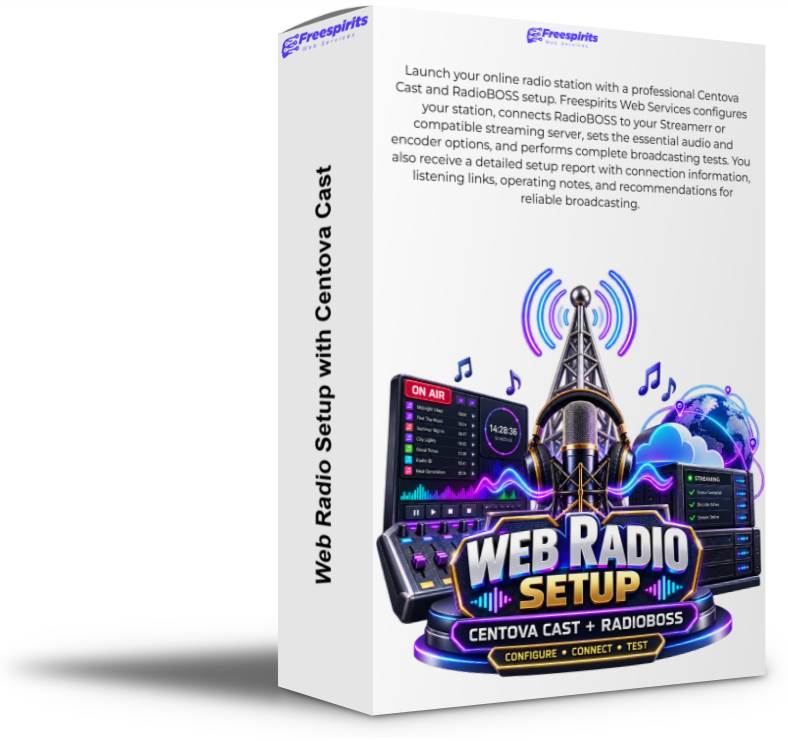
Launch your online radio station with a professional Centova Cast and RadioBOSS setup. Freespirits Web Services configures your station, connects RadioBOSS to your Streamerr or compatible streaming server, sets the essential audio and encoder options, and performs complete broadcasting tests. You also receive a detailed setup report with connection information, listening links, operating notes, and recommendations for reliable broadcasting.

Starting a web radio station should be exciting, but connecting all the technical components can quickly become confusing. Serveur addresses, ports, mount points, passwords, encoders, audio formats, bitrates, metadata, playlists, automation rules, and sound-card settings must all work together correctly before your station can broadcast reliably.
Notre Radio with Centova Cast and RadioBOSS Setup Service gives you a complete, professionally configured foundation for launching or improving your online radio station.
Freespirits Web Services will configure your Centova Cast station, install or set up RadioBOSS, connect the broadcasting software to your Streamerr or compatible streaming serveur, test the complete broadcasting chain, and provide a detailed report of the completed work.
Instead of spending hours searching through documentation, testing random settings, and troubleshooting failed connections, you receive a working system prepared according to your station’s requirements.
Whether you are creating a new internet radio station, moving from another platform, replacing unreliable software, or introducing professional automation, we can help you get started correctly.
An online radio station normally depends on several separate components.
Your streaming serveur distributes the audio to listeners. Centova Cast allows you to manage the station and monitor its operation. RadioBOSS handles music playback, playlists, jingles, scheduled programming, live broadcasting, and the audio sent to the serveur.
These systems must be configured with matching connection and audio settings.
Our service connects the complete workflow:
A mistake in any part of this chain can prevent the station from broadcasting or create interruptions, distorted audio, incorrect metadata, or unreliable listener connections.
We configure and test the system as one complete broadcasting environment.
Centova Cast is a widely used management control panel for internet radio stations. It provides a central interface from which station owners can manage and monitor their streaming service.
Depending on the l'hébergement package and serveur configuration, Centova Cast may provide access to:
Centova Cast does not replace your live broadcasting or studio automation software. It manages the serveur side of the station, while RadioBOSS prepares and transmits your programme.
Our service ensures that the settings used inside RadioBOSS correctly match the connection details supplied by Centova Cast and your streaming provider.
RadioBOSS is professional radio automation and broadcasting software used to organize and play music, advertisements, jingles, station identification, scheduled programmes, and other audio content.
It can be used for a continuously automated station, a live-presenter environment, or a combination of both.
Depending on your workflow and software edition, RadioBOSS can support functions such as:
RadioBOSS gives you direct control over what your listeners hear. However, the software must be configured correctly to communicate with the streaming serveur.
Our setup service handles this connection and prepares the essential broadcasting settings so you can begin building and operating your station.
We review the Centova Cast account supplied by your streaming provider and configure the available station settings according to your requirements.
The exact options available depend on the serveur, streaming technology, l'hébergement package, and permissions assigned to your account.
Configuration may include:
We ensure that the important connection details are identified and recorded correctly before configuring RadioBOSS.
Passwords and administrative information are handled only for the purpose of completing the authorized setup. We recommend changing temporary access credentials after the work is complete whenever appropriate.
RadioBOSS is normally installed on the Windows computer or broadcasting system that will operate the station.
Before installation or configuration, the computer should meet the software requirements and have a stable internet connection. For continuous broadcasting, the system should remain powered on, connected, and protected from automatic sleep or unexpected restarts.
Our RadioBOSS setup may include:
The exact configuration is adapted to the type of station you want to operate.
A fully automated music station may require different settings from a talk-radio station, live DJ broadcast, church radio, community station, hotel music service, or station with scheduled programmes.
The encoder is the bridge between RadioBOSS and your streaming serveur.
For the connection to work, the encoder must contain the correct details. These may include:
The details entered into RadioBOSS must match the serveur account exactly. Even a small mistake in the password, port, mount point, or stream format can prevent the connection.
We configure the encoder using the information supplied by your Centova Cast or Streamerr account. We then verify that RadioBOSS can connect successfully and remain connected while audio is playing.
Where supported and required, we can also review backup or secondary encoder options. More advanced multi-serveur, failover, or simultaneous multi-bitrate configurations may require a custom quotation.
Selecting the correct bitrate is an important part of web radio setup.
A higher bitrate can provide improved sound quality, but it also consumes more bandwidth for the station and its listeners. A lower bitrate reduces data use and may be more suitable for mobile audiences, talk stations, or listeners with slower connections.
The best setting depends on factors such as:
We configure RadioBOSS to match the bitrate and format permitted by your serveur l'emballage.
Where several options are available, we can explain the practical differences and help you select a suitable balance between sound quality and bandwidth consumption.
The final audio quality also depends on the quality of the original files, sound card, microphone, mixing equipment, audio processing, internet connection, and streaming serveur.
A well-organized music library makes daily station management easier.
RadioBOSS can play manually created playlists or use automated rotation systems based on your music categories and scheduling rules.
As part of the initial setup, we can help establish a practical structure for your audio content.
Typical categories may include:
Correct file organization helps prevent missing tracks, repeated content, incorrect announcements, and confusing schedules.
Large-scale audio-library organization, metadata correction, playlist creation, music categorization, and advanced rotation planning may be offered separately depending on the size of your collection.
RadioBOSS can help your station operate automatically even when a live presenter is not available.
The Event Scheduler can be used to trigger specific audio, playlists, streams, commands, or station elements at predetermined times.
Automation may be useful for:
We can explain the basic scheduling process and help configure initial examples where included in the agreed service.
More advanced automation involving multiple conditions, complex rotations, external scripts, network feeds, or extensive programme schedules may require additional configuration.
RadioBOSS can also be used for live broadcasting.
Depending on your equipment, the presenter may use a microphone connected directly to the computer, an external audio interface, a USB mixer, or a complete studio mixing console.
We can review the basic input and output configuration and help RadioBOSS receive the intended audio signal.
A live setup may require attention to:
Physical studio wiring, advanced mixer configuration, professional sound engineering, and remote hardware repair are not automatically included unless specifically agreed.
Correct metadata allows compatible players and directories to display information about the content currently playing.
Depending on the audio files, serveur, player, and streaming format, metadata may include:
We configure the available metadata options and test whether RadioBOSS is successfully sending information to the streaming serveur.
Metadata quality depends on the information stored in your music files. If track titles, artist names, or tags are missing or incorrect, RadioBOSS may transmit incomplete information.
Bulk correction of music-file metadata can be offered separately when required.
A setup is not complete simply because the encoder displays a connected status.
We test the complete path from RadioBOSS to the streaming serveur and then to the listener.
Testing may include:
Testing helps identify common problems such as incorrect passwords, wrong mount points, unsupported audio formats, silent sources, distorted input, duplicate audio, unstable internet connections, or mismatched serveur settings.
If a problem originates from the l'hébergement provider, computer hardware, internet connection, licensed software, or external network, we will explain the issue and recommend the appropriate next action.
After the work is completed, you receive a detailed report describing the main configuration and test results.
The report may include:
For security reasons, sensitive passwords may be excluded from the report or partially hidden. You remain responsible for storing your serveur and software credentials securely.
The report gives you a practical reference that can be used later for troubleshooting, upgrades, migration, or support.
This service can support many types of broadcasters, including:
The configuration is adapted to the size, purpose, and operating style of the station.
Whether you want continuous automated music or scheduled live programming, we can help create a reliable technical foundation.
To complete the setup, you should have:
RadioBOSS and Centova Cast licences, streaming l'hébergement, music licences, royalty payments, and third-party subscription costs are not automatically included unless they are specifically stated in your quotation.
Technical setup does not provide legal permission to broadcast copyrighted music.
The station owner is responsible for determining which licences, agreements, royalty payments, reporting obligations, privacy notices, and other legal requirements apply in the countries where the station operates and reaches listeners.
These requirements may depend on:
We configure the broadcasting technology but do not provide legal advice or music-performance licences.
Once the station is working, Freespirits Web Services can also help with related services according to your needs.
Optional services may include:
These additions can transform a basic audio stream into a complete and professionally presented online radio platform.
The standard service covers the agreed Centova Cast review, RadioBOSS setup, serveur connection, initial testing, and completion report.
The following may require a separate quotation:
Any additional work will be discussed before implementation.
A reliable online radio station begins with correct configuration.
Avec notre Radio with Centova Cast and RadioBOSS Setup Service, you avoid the frustration of incompatible settings, failed encoder connections, missing audio, and confusing control panels.
We configure your station carefully, connect RadioBOSS to your Streamerr serveur, test the complete broadcasting path, and provide a detailed report so you understand the final setup.
You receive a professional foundation for automated playlists, scheduled programmes, live broadcasts, metadata, listener access, and future station growth.
Contact Freespirits Web Services today with your streaming-serveur details and broadcasting requirements. We will help you launch your web radio station with confidence and provide the technical support needed to bring your sound to listeners around the world.
Vous n'êtes pas encore sûr ?
Voir les caractéristiques et détails supplémentaires étonnants

| Nombre de photos | 20, 150, 400 |
|---|

99,00 € Le prix initial était : 99,00 €.39,00 €Le prix actuel est : 39,00 €.




 English English English Greek German French Spanish English English English Greek
German
French
Spanish
English English English Greek German French Spanish English English English Greek
German
French
Spanish

