
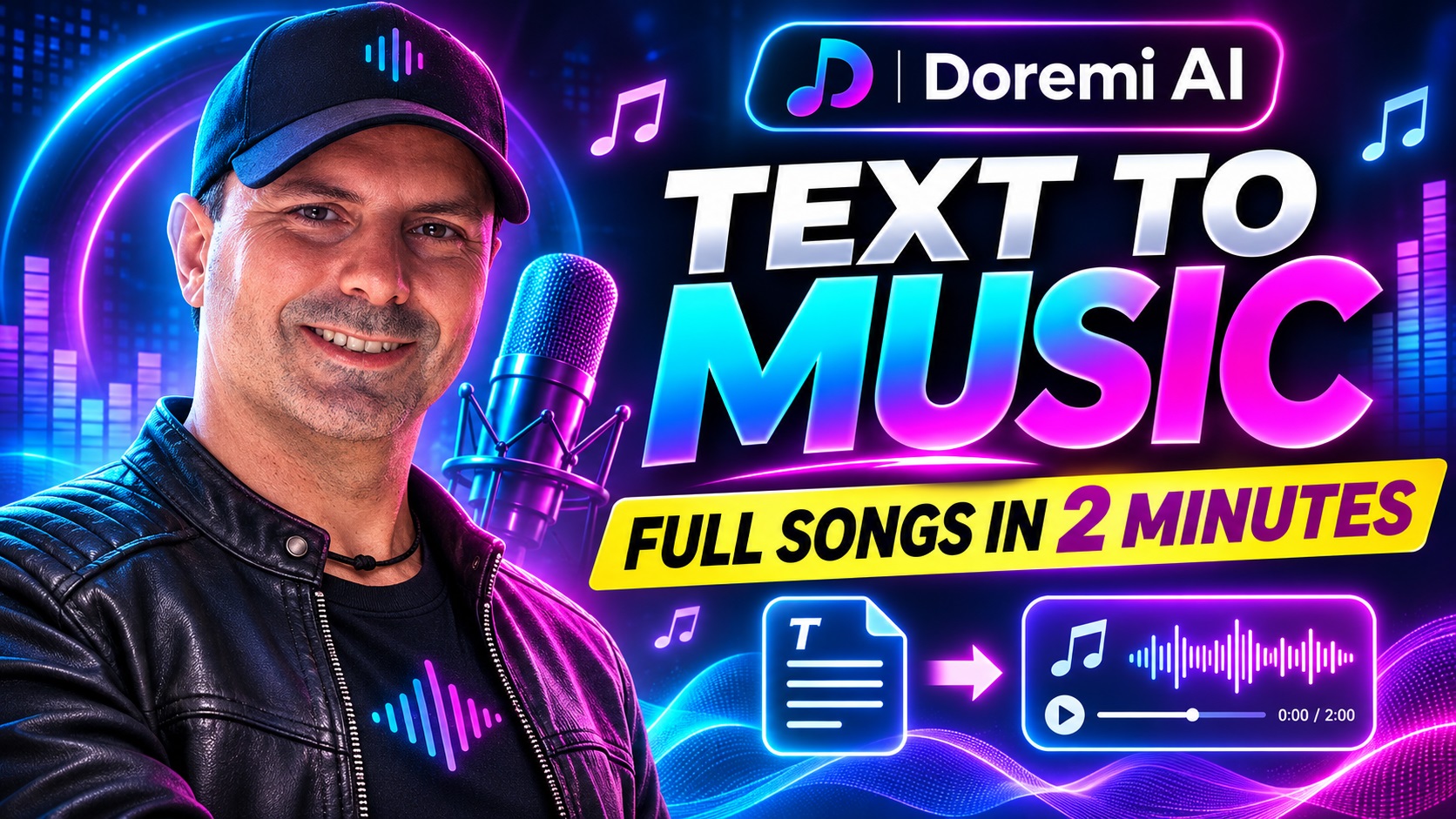
Doremi AI Music Generator Review: A Flexible Way to Turn Ideas Into Full Songs
Making music usually means juggling instruments, recording software, songwriting, editing and a fair amount of technical knowledge. Doremi takes a different approach: describe the song you want in text, choose an AI music model, and develop the result inside one creative workspace.
That makes Doremi interesting for more than people who simply want to press a button and hear a random track. Its broader toolkit includes text-to-music generation, lyrics, extending, remixing, covers, section replacement, stem splitting and mastering. In practical terms, the service is designed to help turn a rough musical idea into something closer to a usable song or production asset.
It won’t replace a human songwriter, producer or vocalist in every situation. AI-generated music can still need direction, selection and editing. However, for creators who need fast sketches, background music, demos or fresh starting points, Doremi offers a compelling way to move from an empty project to an audible result.
What Doremi does
Doremi is an AI music generator and editing studio. Its starting point is text: you can describe a mood, genre, story or musical direction, or provide your own lyrics. The system then generates music using one of three available models: Suno, Mureka or ElevenLabs.
The distinction matters because the models are presented as having different strengths. Suno is aimed at complete songs with vocals and recognizable song structures. Mureka is positioned toward more control over style, mood and arrangement, including instrumentals and genre combinations. ElevenLabs is focused on instrumental music where duration control, cinematic soundscapes and background audio are important.
Once a track exists, Doremi is not limited to simple playback. You can continue working with it through the music editor. Depending on the goal, that might mean extending a song beyond its original ending, changing its genre or tempo, creating a new vocal and stylistic interpretation, replacing one section, or separating the song into individual stems.
That combination is the real selling point. Many generative music tools are most exciting at the initial creation stage, but the first result is rarely exactly what someone wants. Doremi’s editing features give you more ways to rescue a promising idea instead of discarding it because the ending is too short or one section doesn’t fit.
How the workflow works
1. Describe the song
The process begins with a written prompt. You might describe a rainy lo-fi instrumental for studying, a bright indie-pop song about a road trip, an atmospheric game soundtrack, or a dramatic piano ballad with an emotional vocal. You can also paste in lyrics if you already have words and want the system to build music around them.
The more clearly you express the intended mood, genre, story and structure, the more useful the starting point is likely to be. Even so, text-to-music generation is naturally exploratory. A short prompt can produce an unexpected interpretation, which may be a creative advantage when you’re looking for ideas rather than trying to reproduce a composition precisely.
2. Pick a model
Doremi lets you generate the same general idea with different AI models and compare the results. This is helpful because “best” depends on the job. A vocal pop demo, a long ambient bed and a cinematic instrumental do not necessarily need the same type of generation.
For example, you might use Suno when the priority is a complete vocal track with a hook and conventional arrangement. Mureka may be the more natural choice for a genre blend or an instrumental with a particular mood. ElevenLabs may make more sense when you need instrumental music for a visual project and want precise control over duration.
3. Listen, refine and export
After generating options, you can choose the most promising take and continue shaping it. The editor is where the workflow becomes more practical: extend an ending, remix the style, cover the song in a different voice or arrangement, replace a problem section, or split the track into stems.
Doremi describes the generated music as royalty-free for streaming, video and client work. That could be valuable for creators who need music for content or commercial projects, but licensing terms can contain important details. Anyone planning to release music commercially should review the current usage rules for the specific plan and generation method before publishing.
The most useful creative tools
Text-to-music generation
The core generator is useful whenever the hardest part of a project is getting started. A creator with a clear concept but no instrumentalist can turn a written brief into several musical directions. A video editor can explore moods for a scene without waiting for a custom composition. A songwriter can hear how a lyric might work with different genres and arrangements.
The biggest benefit is speed of ideation. Instead of staring at a blank timeline, you can begin with an actual musical reference point. Some generations may be discarded, but the process still gives you something concrete to evaluate: tempo, instrumentation, vocal character, structure and emotional tone.
Music extender
The extender is designed to continue a track past its ending while matching its melody, vocals and energy. This addresses one of the most common problems with generated music: a promising idea may be too short for the intended use, or it may fade out before the scene or video is finished.
Imagine creating a two-minute track for a short video and then realizing the final section needs another minute. An extender can provide a way to develop the song rather than abruptly looping the same material. It may also help turn a brief musical sketch into something with a more complete arrangement.
Music remix
The remix tool is for changing the character of an existing track. Doremi describes it as a way to flip genre, tempo and mood. That could be useful when one composition has the right melodic idea but the wrong production style.
A song that began as an electronic demo could be explored as a slower ambient version, a more energetic dance arrangement or a different genre altogether. For content creators, this also opens the possibility of adapting one idea for different types of videos without beginning from zero each time.
Music cover
The cover feature reimagines a track in a new voice and style. This can be useful for exploring alternate interpretations: perhaps a song works better with a softer vocal, a different genre or a contrasting performance mood.
There is an important distinction between creative reinterpretation and copying someone else’s protected work. Users should only upload or transform material they have the right to use, particularly when a track is intended for public or commercial release.
Music replace
Replacing an entire song because one section is weak can be frustrating. Doremi’s replace tool is designed to swap out a specific section with newly generated audio. That makes the editing process more surgical.
For example, a chorus might be strong while the second verse feels repetitive, or an instrumental break might not suit the final cut of a video. Section replacement offers a route to revise that part without abandoning everything that already works.
AI stem splitter and vocal tools
The AI stem splitter separates a song into vocals, drums, bass and other instruments. Those stems can be useful for practice, sampling, remixing or further production. A singer might want an instrumental version for rehearsal, while a producer could isolate drums or vocals to build a new arrangement.
Doremi also includes a vocal remover with tools described for isolating vocals, reducing echo and handling reverb. Results from any automated separation process can vary depending on the source recording, so it’s best to treat stems as useful working material rather than assuming they will always match the cleanliness of a professionally recorded multitrack session.
Lyrics generator and AI mastering
The lyrics generator is designed to draft verses and hooks, with chorus and structure tags and support for multiple languages. This could be helpful when a musical concept is clear but the words are not. It can also provide a rough lyrical framework that a writer later rewrites into something more personal.
AI mastering is aimed at polishing a mix toward streaming-ready loudness. That may be convenient for users who don’t have a dedicated mastering workflow. Still, mastering cannot fix every arrangement or mix problem. It works best as a finishing step after the song itself has been shaped carefully.
Choosing between the AI models
Having several models in one place is one of Doremi’s more practical features. Instead of committing to a single generation style, you can compare how each engine interprets the same brief.
- Suno: A strong fit for full songs with vocals, hooks and familiar structures across styles such as pop, rock, EDM, hip-hop and country.
- Mureka: A useful option for instrumentals, genre blends and prompts where mood, arrangement and stylistic direction are especially important.
- ElevenLabs: Suited to instrumental, cinematic, ambient and game-oriented work where duration control is a priority.
This model comparison can make experimentation more efficient. If one output feels too vocal-focused, too short or too conventional, switching engines may be more productive than repeatedly rewriting the same prompt.
Where Doremi is especially useful
Doremi looks most valuable for people who need music quickly but still want some creative control. Video creators can generate background music around a scene’s mood and then extend it to fit the edit. Podcasters can explore intro or transition music without commissioning a complete custom score. Game developers and designers can create early soundtrack concepts while a project is still changing.
Songwriters may appreciate the ability to test lyrics in different musical settings. Even if the final release is performed and produced by humans, hearing several possible arrangements can reveal which lines deserve emphasis or where a chorus needs more energy.
It could also be useful for beginners. You don’t need to know how to play an instrument to describe a musical idea, and the three-step workflow is easy to understand: describe, choose a model, then refine. More experienced creators may benefit from the editing tools and stems, especially when they want a fast starting point for a larger production.
Limitations to keep in mind
The first limitation is inherent to generative music: a prompt is not a guarantee of a precise musical result. You may get a track that captures the mood but misses the intended structure, vocal delivery or arrangement. Choosing among several generations and refining the best one is part of the process.
AI music also may not satisfy users who require detailed control over every note, performance nuance or recording decision. Traditional digital audio workstations and human musicians remain better suited to exact composition, highly specific production and collaborative recording.
Some tools depend on the quality of the source material. Stem separation, vocal removal and section transformation can be more useful with clean audio than with dense mixes or heavily processed recordings. Likewise, AI mastering is a convenience feature, not a substitute for learning how to mix or hiring a specialist for a high-stakes release.
Finally, users should pay attention to plan limits, model availability and commercial licensing terms. Doremi is free to try, but the supplied information does not specify all pricing tiers or usage allowances. Before relying on it for client work or distribution, confirm the current terms that apply to your account.
Pros and cons
Avantages
- Turns a text idea or lyric into a complete musical starting point.
- Offers Suno, Mureka and ElevenLabs for different creative needs.
- Includes generation and editing tools in one workspace.
- Can extend tracks, remix styles, replace sections and create covers.
- Stem splitting can support practice, sampling and remix workflows.
- Free to try, with royalty-free use described for streaming, video and client work.
Inconvénients
- Generated results may require several attempts and human selection.
- Precise note-by-note control is not the main focus.
- Automated stems, vocal removal and mastering may not replace professional production.
- Current plan limits and licensing details should be checked before commercial release.
Questions fréquemment posées
What is Doremi?
Doremi is an AI music generator and editing studio. It can create music from text, generate or assist with lyrics, extend songs, remix them, create covers, replace sections, split stems and apply AI mastering.
Do I need musical experience?
No musical training is required to begin. You can describe the mood, genre or story you want in ordinary language, then select a model and review the generated results. More advanced production knowledge can still help when refining mixes or working with stems.
Can I use my own lyrics?
Yes. The workflow supports pasting your own lyrics, and Doremi also includes a song lyrics generator for drafting verses, hooks and structured sections.
Can Doremi make instrumental music?
Yes. Mureka and ElevenLabs are described as particularly suitable for instrumental work, including lo-fi, ambient, cinematic, electronic and game-oriented music.
Can I make a song longer?
Yes. The music extender is designed to continue a track beyond its original ending while matching its musical direction, vocals and energy.
Can I separate vocals and instruments?
Yes. The AI stem splitter is intended to separate vocals, drums, bass and other instruments. The resulting stems can be used for practice, sampling or remixing, although separation quality can depend on the source track.
Is Doremi free?
Doremi is free to try. The available information does not provide complete details about every paid plan, generation allowance or feature limit, so check the current account terms before committing to a larger project.
Can I use the music commercially?
Doremi describes the music as royalty-free for streaming, video and client work. Because commercial rights can depend on the applicable plan and usage terms, review the current licensing conditions before releasing or monetizing a track.
Final verdict
Doremi is an appealing option for anyone who wants to move quickly from a musical idea to a workable song or soundtrack. Its strongest quality is not only text-to-music generation, but the range of ways to continue after the first result appears. Extending, remixing, covering, replacing sections and splitting stems make the service feel more like a creative toolkit than a one-click novelty.
It’s best suited to creators who are comfortable experimenting and choosing between several possibilities. If you need absolute control over every musical detail, a traditional production setup will remain more appropriate. But if your goal is to generate ideas, build demos, create background music or develop a track without starting from silence, Doremi offers a fast and flexible place to begin.
Because it’s free to try, the most sensible next step is to test a few prompts across the available models and see which results match your kind of work. For many users, that combination of speed, variety and built-in editing could make music creation noticeably easier and much more enjoyable.









 English
 Greek
 German
 French
 Spanish