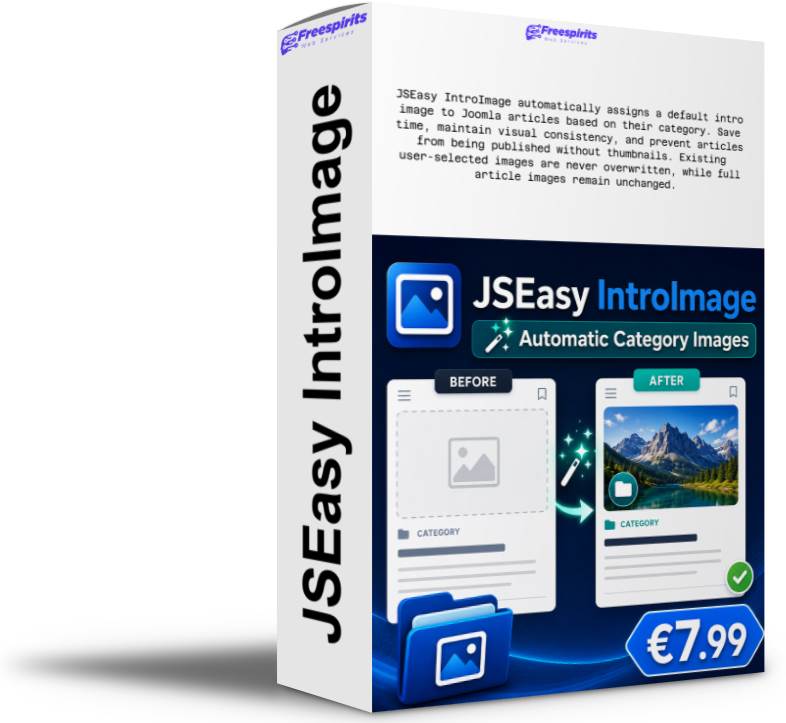
JSEasy IntroImage – Automatic Default Intro Images for Joomla Categories
Stop adding the same intro image manually every time you publish a Joomla article.
JSEasy Imagen de introducción is a lightweight Joomla extension that allows you to assign a default intro image to each article category. When an article is saved without an intro image, the extension automatically applies the image configured for that category.
A simple solution that saves time, keeps your website visually consistent and helps users publish articles correctly—even when they forget to select an image.
Why use JSEasy IntroImage?
Joomla normally requires users to select an intro image individually for every article. This can become repetitive and often results in articles being published without thumbnails.
JSEasy IntroImage automates this process.
You can create different category-to-image mappings, such as:
- News → Default news image
- Events → Default events image
- Announcements → Default announcement image
- Offers → Default promotional image
- Tutorials → Default tutorial image
- Water interruptions → Default water interruption image
Once configured, the extension handles everything automatically during article saving.
Main Features
- Assign a default intro image to any Joomla article category
- Configure a different image for each category
- Automatically apply the image when an article has no intro image
- Works with both new and existing articles when they are saved
- Never overwrite an image manually selected by the user
- Never modify the full article image
- Update or remove category mappings at any time
- Use Joomla’s familiar Media Manager to select images
- Supports frontend and administrator article submissions
- Compatible with multilingual Joomla websites
- English and Greek language support
- Simple and lightweight implementation
- No Joomla core modifications
- No template overrides required
- No complicated configuration
How It Works
Using JSEasy IntroImage is straightforward:
- Install the package through Joomla Extension Manager.
- Enable the included content plugin.
- Open the JSEasy IntroImage component.
- Select an article category.
- Choose its default intro image.
- Save the mapping.
From that point forward, whenever an article in that category is saved without an intro image, the configured image is added automatically.
If the author has already selected an intro image, JSEasy IntroImage leaves it unchanged.
Protects User-Selected Images
The extension is designed to act only as a fallback.
It checks whether the article already has an intro image before applying the category default. This means editors and authors remain free to choose a custom image whenever needed.
JSEasy IntroImage follows this simple rule:
If the article has an intro image, keep it. If it does not, apply the category default.
The extension does not replace existing intro images and does not change the full article image.
Multiple Categories, Multiple Images
You are not limited to one universal image.
Create as many category mappings as your website requires. Each category can use its own default image, helping visitors recognise different types of content instantly.
You can also update a category mapping by selecting the same category again and saving a different image.
Ideal for Websites With Frequent Publishing
JSEasy IntroImage is particularly useful for:
- News and magazine websites
- Municipal and public-service websites
- Business websites
- Company announcements
- School and educational websites
- Community portals
- Event websites
- Non-profit organisations
- Joomla blogs
- Websites with multiple authors
- Websites accepting frontend article submissions
It is especially valuable when non-technical users publish content and may forget to configure the article images correctly.
Better Visual Consistency
Articles without intro images can create empty spaces, inconsistent category layouts and unattractive social previews.
By automatically applying category-specific images, JSEasy IntroImage helps maintain:
- Consistent article thumbnails
- Cleaner category pages
- More professional blog layouts
- Clearer visual organisation
- A smoother publishing workflow
Lightweight and Upgrade-Safe
JSEasy IntroImage does not modify Joomla core files.
The package includes:
- A management component for category mappings
- A content plugin that applies the configured images
Because no core modifications or template overrides are required, Joomla updates are less likely to affect the extension’s functionality.
English and Greek Interface
JSEasy IntroImage includes English and Greek language files, making it suitable for both international and Greek Joomla websites.
Requirements
- Joomla 3.10.x
- Access to Joomla Extension Manager
- Permission to enable plugins and manage components
Installation
- Download the installation package.
- Open Extensions → Manage → Install.
- Upload and install the ZIP package.
- Open Extensions → Plugins.
- Activar Content – JSEasy IntroImage.
- Open Components → JSEasy IntroImage.
- Select a category and its default intro image.
- Save the configuration.
Important Behaviour
- Default images are applied when an article is saved.
- Existing articles can receive the default image when edited and saved.
- The article must belong to a category configured in JSEasy IntroImage.
- Existing user-selected intro images are preserved.
- Full article images remain unchanged.
- Removing a category mapping does not remove images already saved in articles.
What You Receive
- JSEasy IntroImage installable Joomla package
- Category image management component
- Automatic content plugin
- English interface
- Greek interface
- Simple installation instructions
- Lifetime use for your own website
- No recurring subscription
Price
Only €7.99
A small one-time investment that can save hours of repetitive image selection and prevent articles from being published without thumbnails.
Make Joomla Publishing Faster and More Consistent
Whether you manage a company website, news portal, municipality site or multi-author Joomla platform, JSEasy IntroImage provides a simple way to keep article presentation consistent.
Configure each category once and let the extension handle missing intro images automatically.
Get JSEasy IntroImage today for only €7.99 and simplify your Joomla publishing workflow.