
🕒 39 Sekunden | 👁️ 11434 Gesamtanzahl der Aufrufe | 👤 11427 visits | 📊 100%
Lesezeit: 39 SekundenGesamtanzahl der Aufrufe: 11434Einzigartige Besuche: 11427Einsatz (R/V %): 100%Angetrieben durch Freespirits und Konstantinos Dim. Albanidis
To terminate (shut down) Windows using the Command Prompt, you can use the shutdown command with appropriate options.
Command to Shut Down Windows Immediately
- Open Command Prompt: Press
Win + R, typecmd, and pressEnter. - Type the Shutdown Command:
shutdown /s /f /t 0/s– Shuts down the computer./f– Forces running applications to close./t 0– Sets the time delay to 0 seconds (immediate shutdown).
Explanation of the Command
- This command tells Windows to shut down immediately, forcing all running applications to close without saving.
Additional Commands
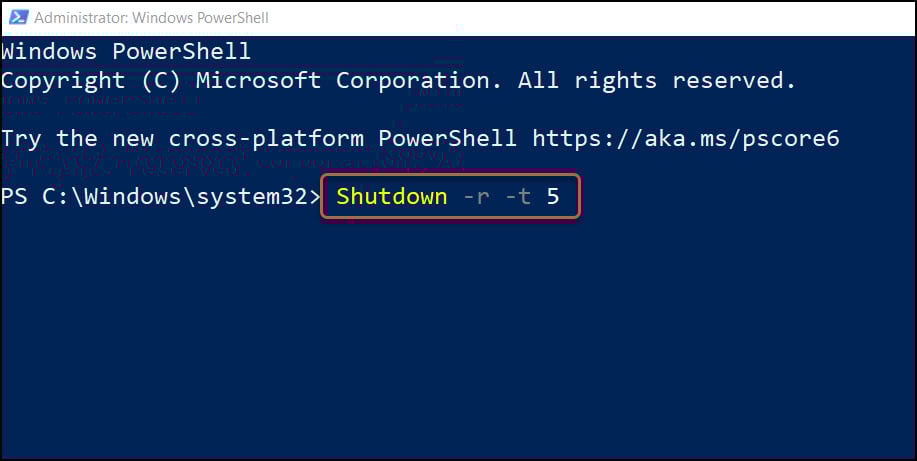
- Restart the Computer:
shutdown /r /f /t 0- Force Log Off:
shutdown /l- Abort Shutdown: If you have initiated a shutdown with a delay, you can abort it using:
shutdown /aThese commands should help you terminate or control the shutdown process from the Command Prompt.












