Εισαγωγή
As someone who has spent years building websites, managing φιλοξενία servers, developing WordPress plugins, and testing AI-powered solutions, I am always looking for new ways to showcase my work online.
Most of my projects normally live on self-hosted WordPress installations because they provide maximum flexibility and control. However, for this experiment, I wanted to do something different.
Instead of using one of my own φιλοξενία servers, I decided to create a portfolio website entirely on WordPress.com.
My goal was simple:
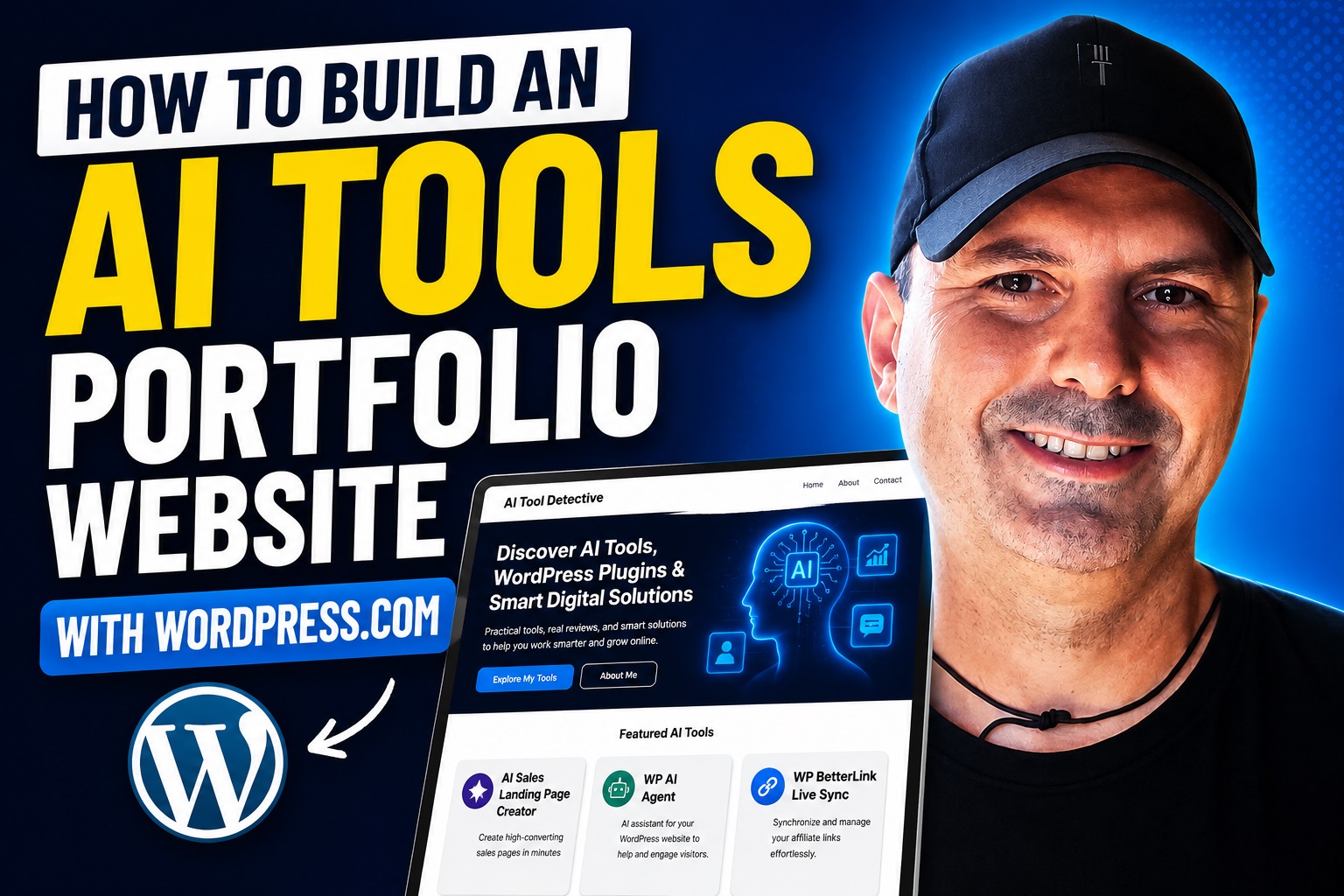
I wanted to build a professional portfolio website showcasing the AI tools and WordPress plugins I have created while documenting the entire process from start to finish.
This would allow me to evaluate WordPress.com from the perspective of a developer, entrepreneur, content creator, and business owner all at the same time.
In this article, I will walk you through every step I followed, explain why I made certain decisions, show the challenges I encountered, and share my honest thoughts after completing the project.
Why I Chose WordPress.com for This Project
Most developers immediately think about self-hosted WordPress when building a portfolio website.
After all, self-hosted WordPress offers complete freedom.
You can install any plugin, customize anything, and choose your own φιλοξενία περιβάλλον.
However, many people don’t want to manage φιλοξενία servers, security updates, backups, caching systems, DNS records, or plugin conflicts.
That is where WordPress.com becomes interesting.
The platform promises:
- Managed φιλοξενία
- Automatic updates
- Built-in security
- Simple website creation
- Professional themes
- Integrated infrastructure
I wanted to see whether it could serve as a practical solution for creators and developers who simply want to focus on showcasing their work.
Planning the Website Structure
Before touching any design settings, I planned the structure of the website.
I wanted visitors to quickly understand:
- Who I am
- What I create
- What problems my tools solve
- How people can contact me
Instead of creating a complicated website, I decided to keep the structure simple and focused.
My initial plan included:
Homepage
A professional introduction and overview.
About Page
Information about my background in web development, φιλοξενία, SEO, and AI tools.
AI Tools Portfolio
A dedicated section showcasing my projects.
Contact Page
A simple way for potential customers or partners to get in touch.
Individual Tool Pages
Dedicated pages for each tool.
Examples included:
- AI Sales Landing Page Creator
- WP AI Agent
- WP BetterLink Live Sync
- WP Malware Scanner Pro
- AffiliatePal
- Other AI-powered projects
Choosing the Right WordPress.com Plan
One of the first decisions I had to make was selecting a plan.
Since this was a real project and not just a test, I wanted a professional setup.
I explored the available plans and compared the features carefully.
The Free plan looked attractive initially because it allowed me to start without spending anything.
However, I quickly noticed some limitations.
Most importantly:
The Free plan displays WordPress.com advertisements to visitors.
For a professional portfolio website, this was not ideal.
I wanted visitors focused on my work rather than seeing third-party ads.
Additionally, I wanted a custom domain and a more professional appearance.
For these reasons, I upgraded to the Personal Plan.
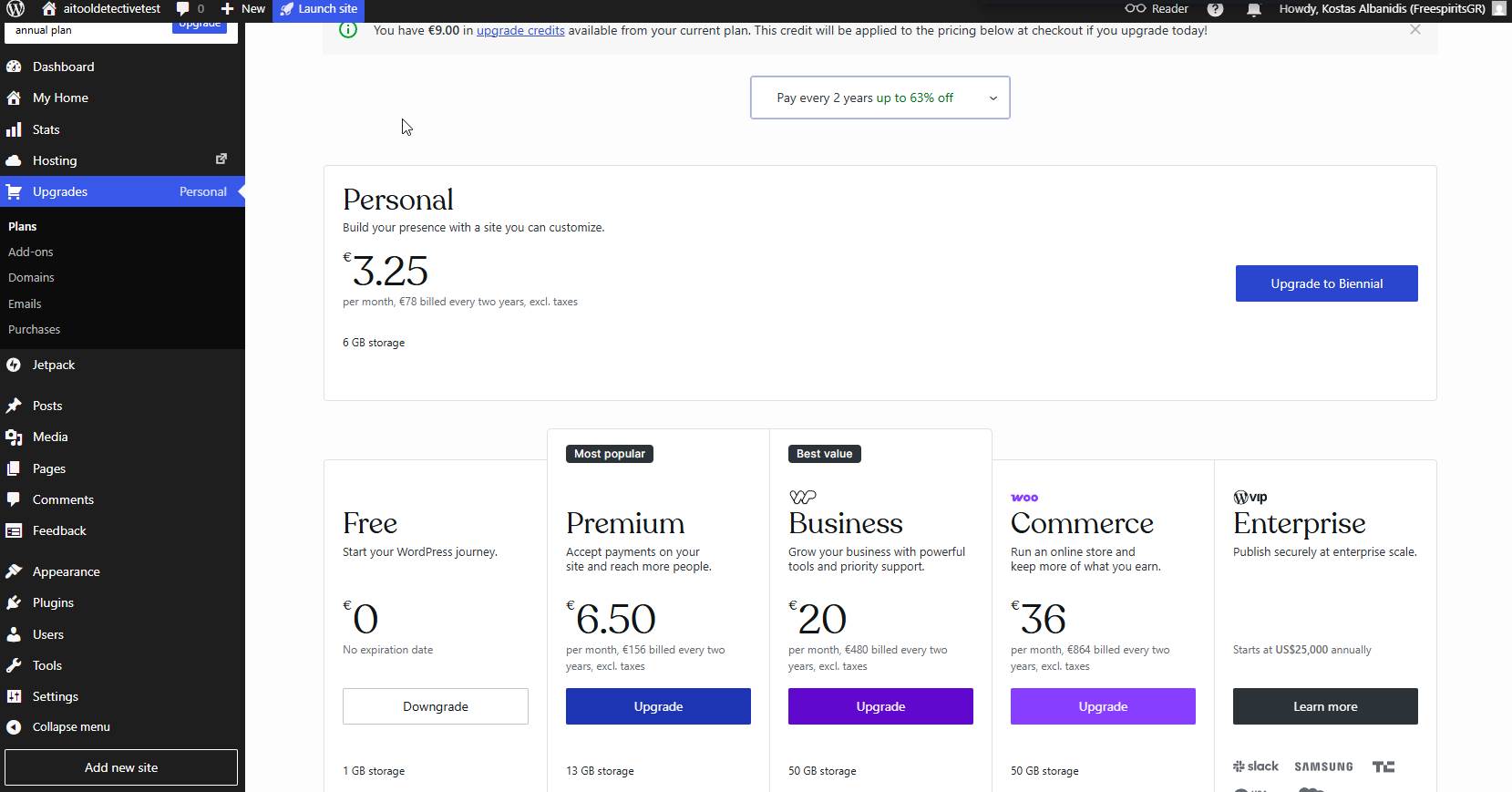
The upgrade process was straightforward and only took a few minutes.
First Impressions of the Dashboard
After upgrading, I started exploring the dashboard.
My first impression was positive.
The interface felt modern and beginner-friendly.
Unlike many φιλοξενία control panels that overwhelm users with technical settings, WordPress.com keeps things organized and approachable.
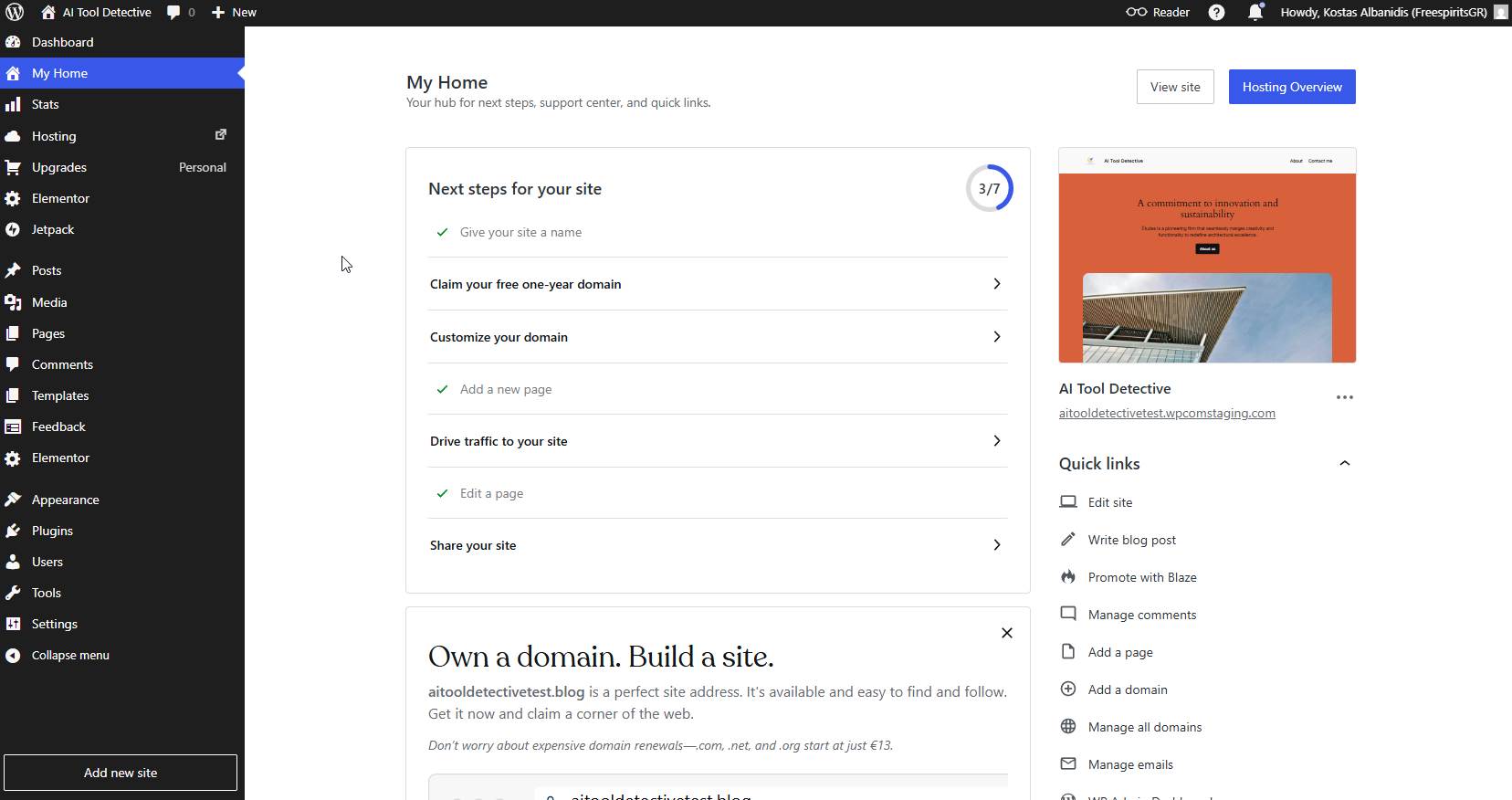
The main navigation provided access to:
- My Home
- Θέσεις
- Pages
- Media
- Comments
- Appearance
- Plugins
- Ρυθμίσεις
Everything was easy to locate.
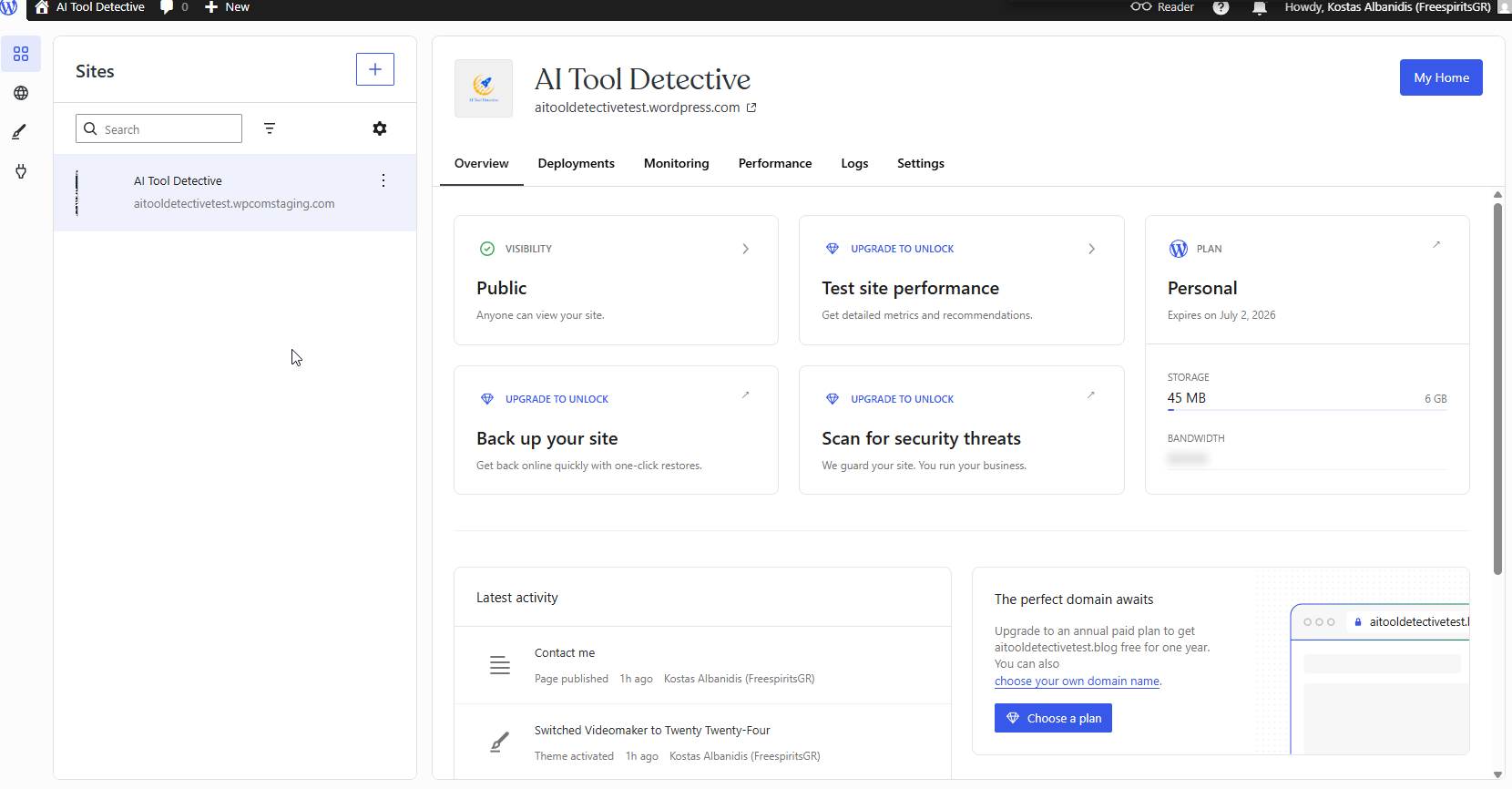
One thing I appreciated was that WordPress.com guided me through the next steps instead of leaving me wondering what to do next.
Exploring the Themes Marketplace
Design plays a critical role in any portfolio website.
Visitors often form opinions within seconds.
For this reason, choosing the right θέμα was one of the most important steps.
I visited the Themes section and began exploring the available options.
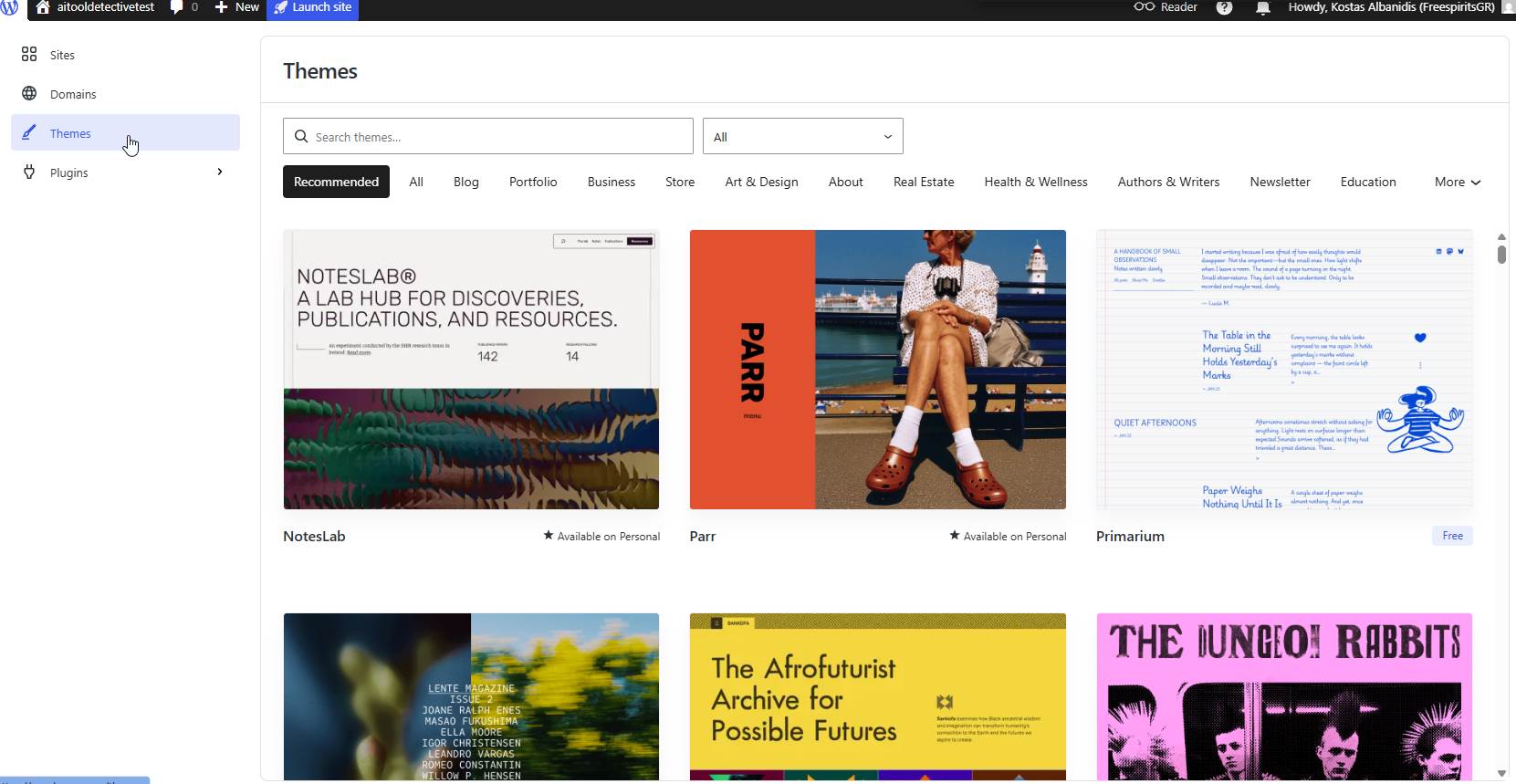
I was pleasantly surprised by the variety.
There were themes designed specifically for:
- Portfolios
- Επιχειρήσεις
- Blogs
- Οργανισμοί
- Creators
- Ecommerce websites
I spent quite a bit of time browsing different layouts before selecting a design that aligned with my goals.
My main criteria were:
- Clean layout
- Professional appearance
- Mobile responsiveness
- Fast loading
- Focus on content
I wanted visitors to pay attention to the tools rather than flashy effects.
Customizing the Homepage
Once the θέμα was selected, I began working on the homepage.
The homepage would act as the central hub of the website.
My objective was simple:
Allow visitors to immediately understand what the website was about.
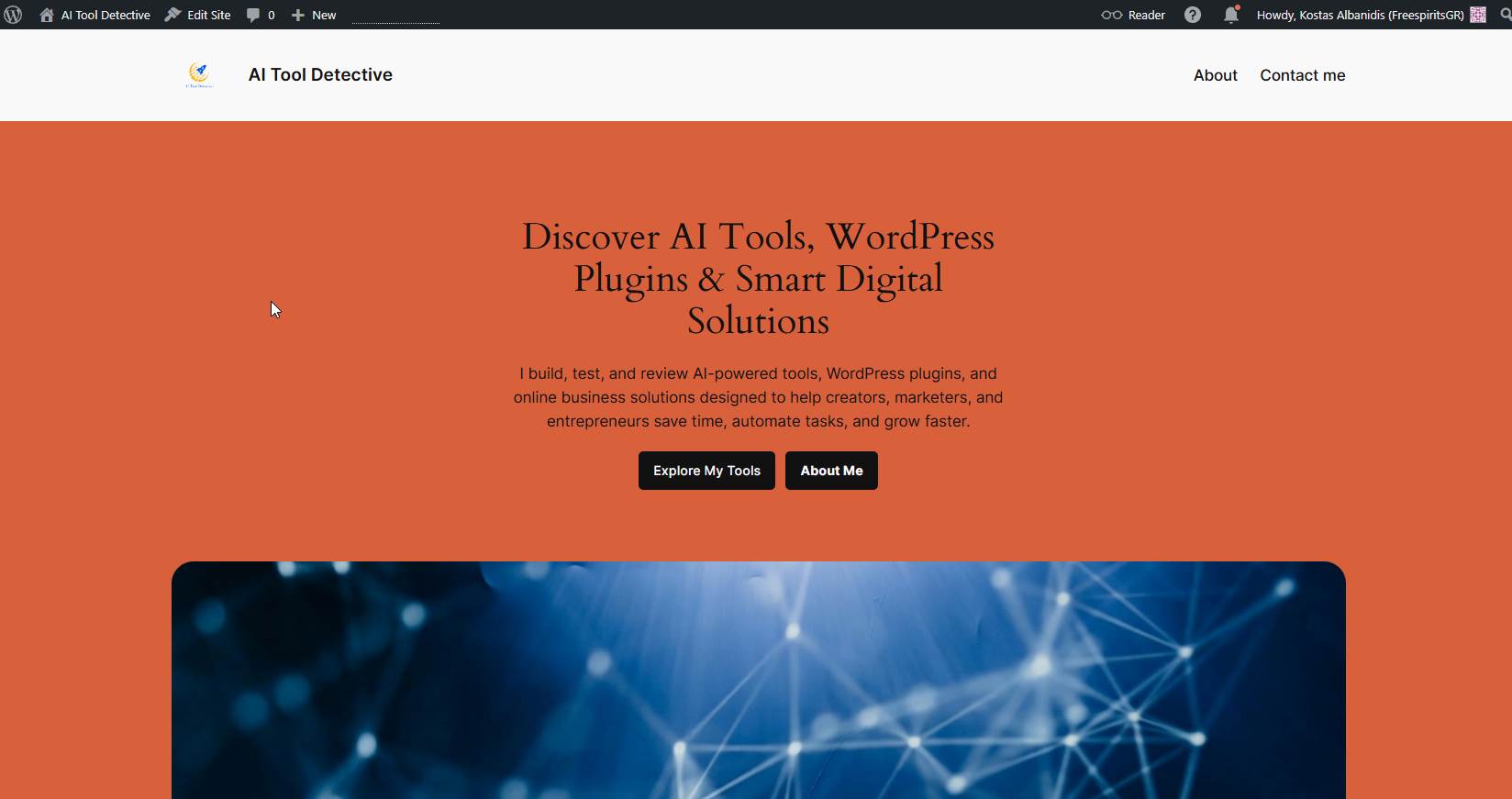
The homepage included:
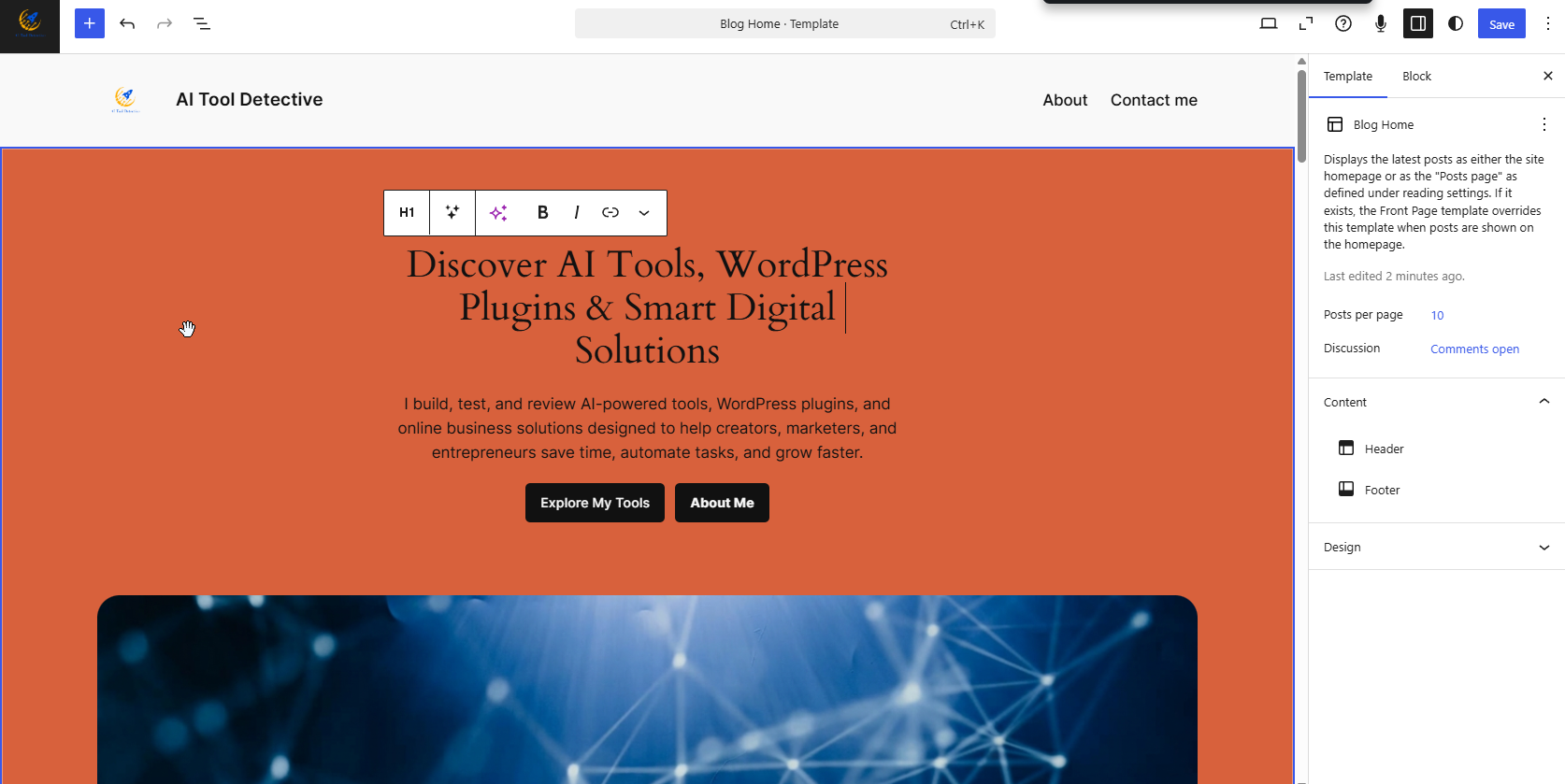
Hero Section
A brief introduction.
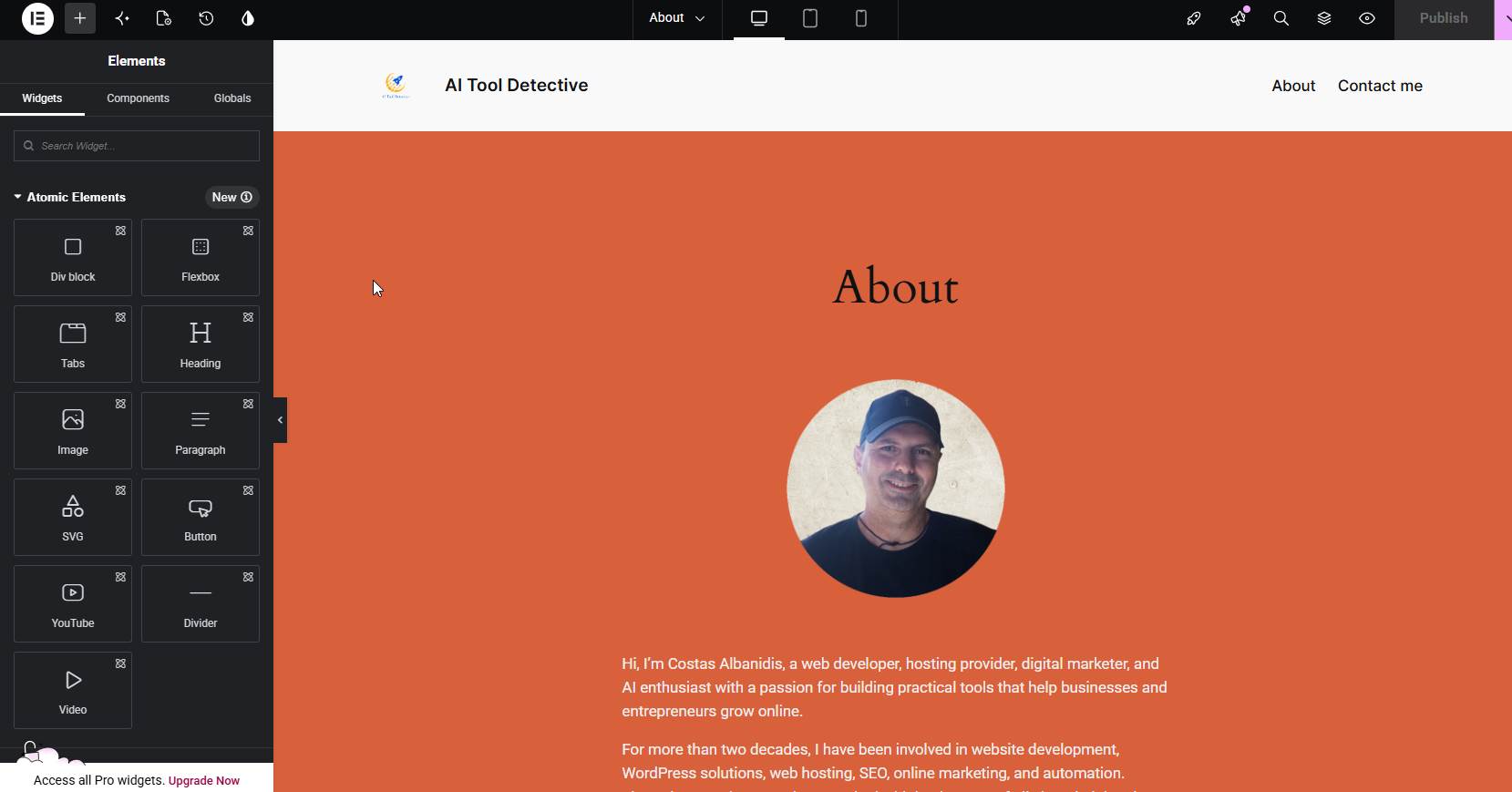
About Section
Who I am and what I do. Here I tested the Elementor Page Builder. It works but it has a lot of limitations as you need the Registered version to use many useful tools. Also noticed that you need a Bussiness plan to WordPress.com to be able to use the elementor templates like Helo and others.
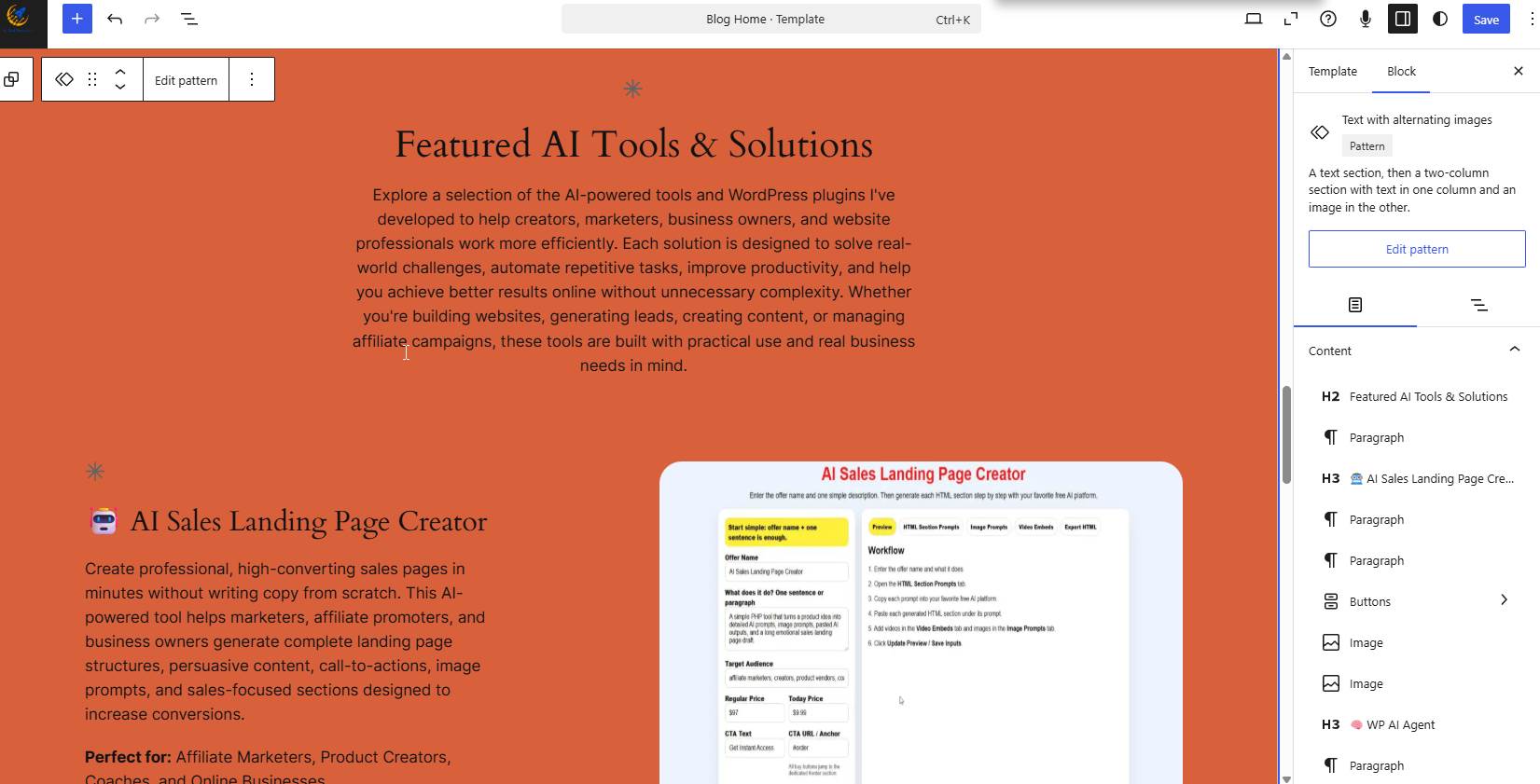
Featured AI Tools
Highlights of my most important projects.
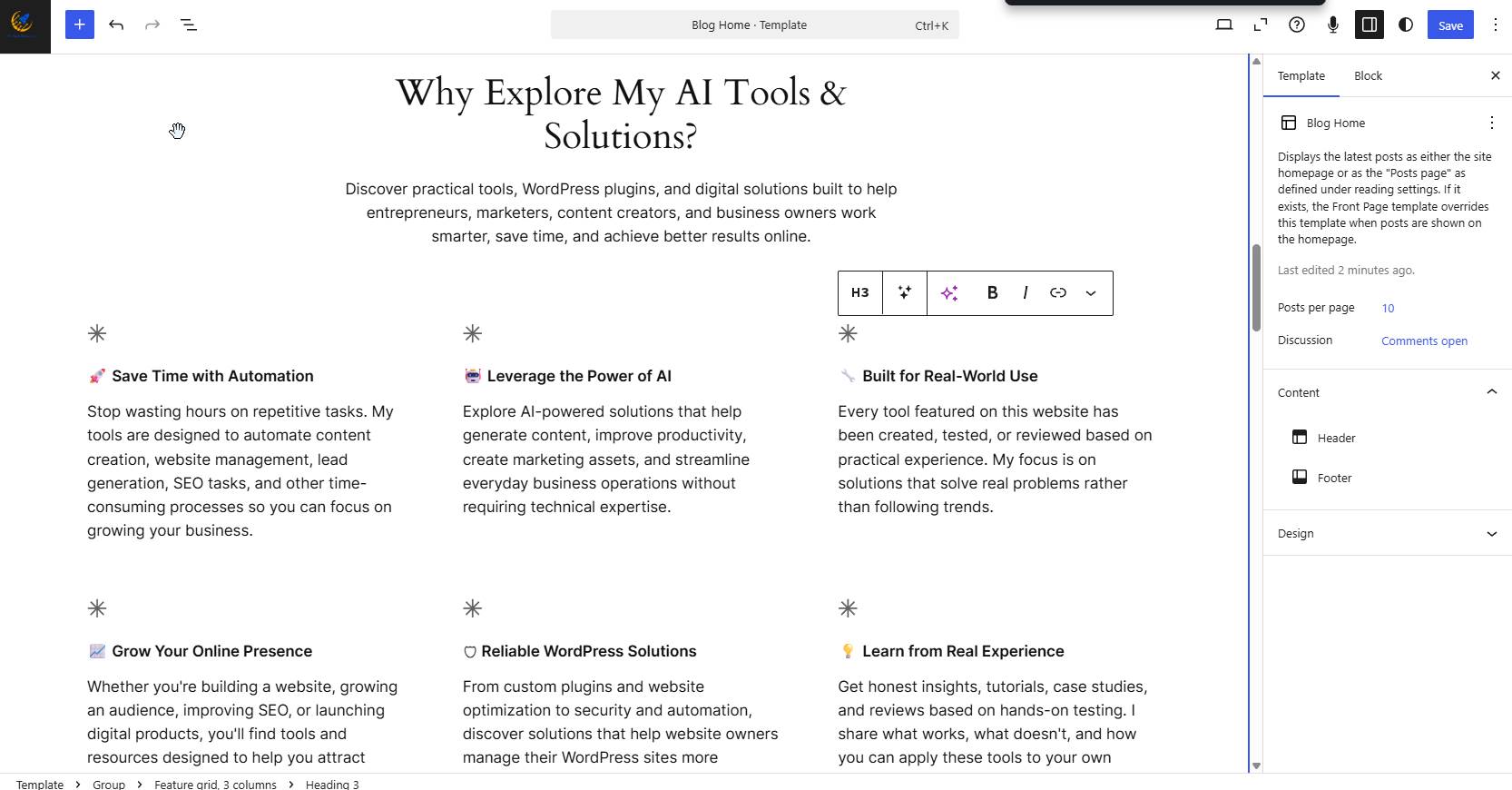
Benefits Section
How my tools help users.
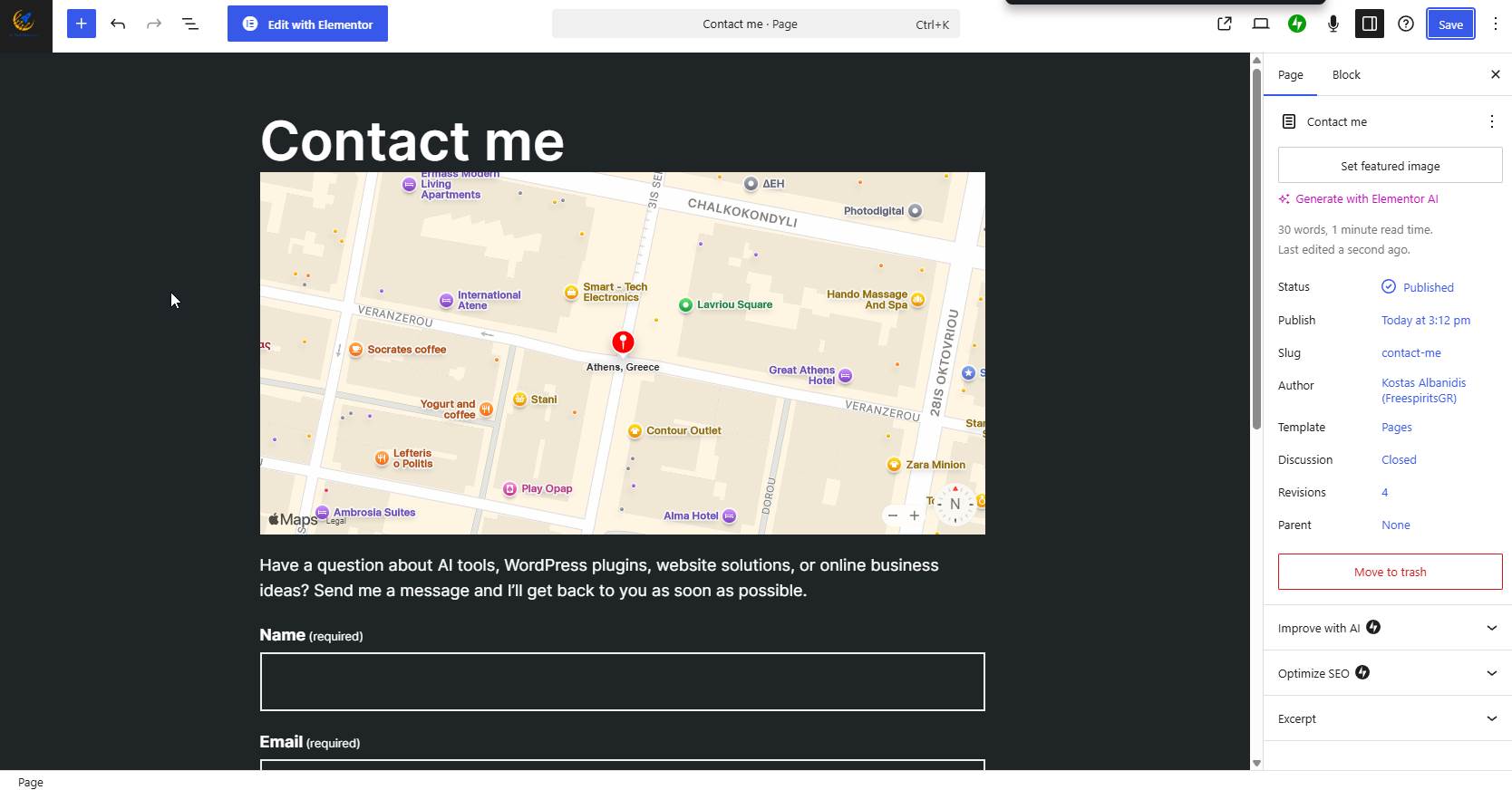
Contact Section
Ways to reach me.
I found the editor intuitive and relatively easy to use.
Even users with limited design experience should be able to build attractive pages.
Building a Consistent Brand Identity
One of the challenges of any portfolio website is maintaining consistency.
I wanted visitors to instantly recognize that every page belonged to the same brand.
To achieve this, I standardized:
- Colors
- Typography
- Image style
- Layout structure
- Call-to-action buttons
Consistency creates trust.
It also makes a website feel significantly more professional.
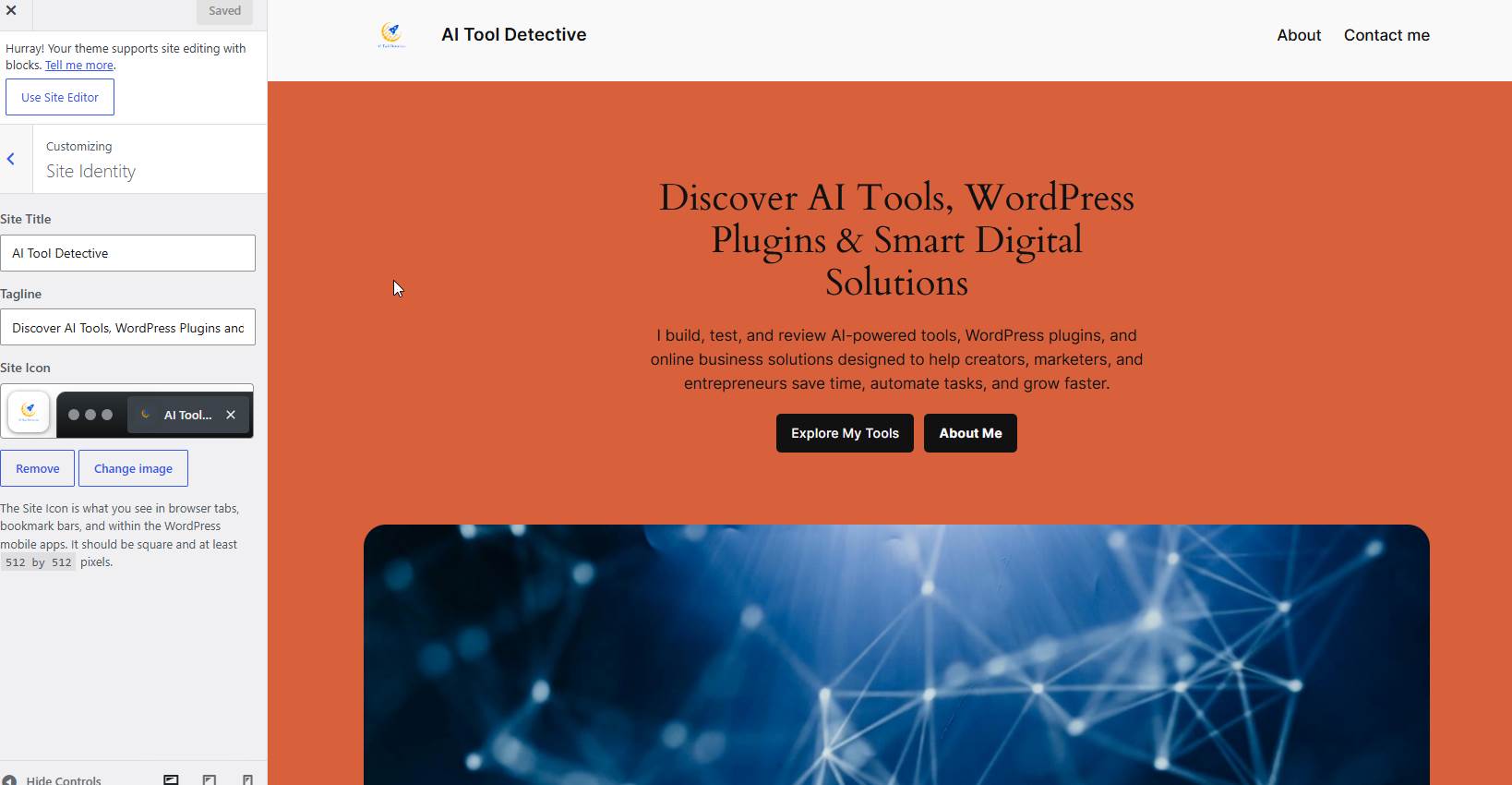
Uploading Media and Visual Assets
A portfolio website lives or dies by its visuals.
Fortunately, WordPress.com makes media management simple.
I uploaded:
- Product screenshots
- Logos
- Promotional banners
- Tool previews
The Media Library was easy to navigate and helped keep assets organized.
Creating Navigation Menus
Good navigation improves usability dramatically. The template I used Twenty Twenty-Four, adds automatically any published page to the menu just by including the title.
I created a straightforward navigation menu containing:
- Home
- About
- Contact
I intentionally avoided complex menu structures.
Most visitors prefer simple navigation that helps them find information quickly.
Mobile Testing
Today, a significant percentage of visitors browse websites from smartphones.
For this reason, mobile responsiveness was a priority.
After completing the main pages, I tested the website across different screen sizes.
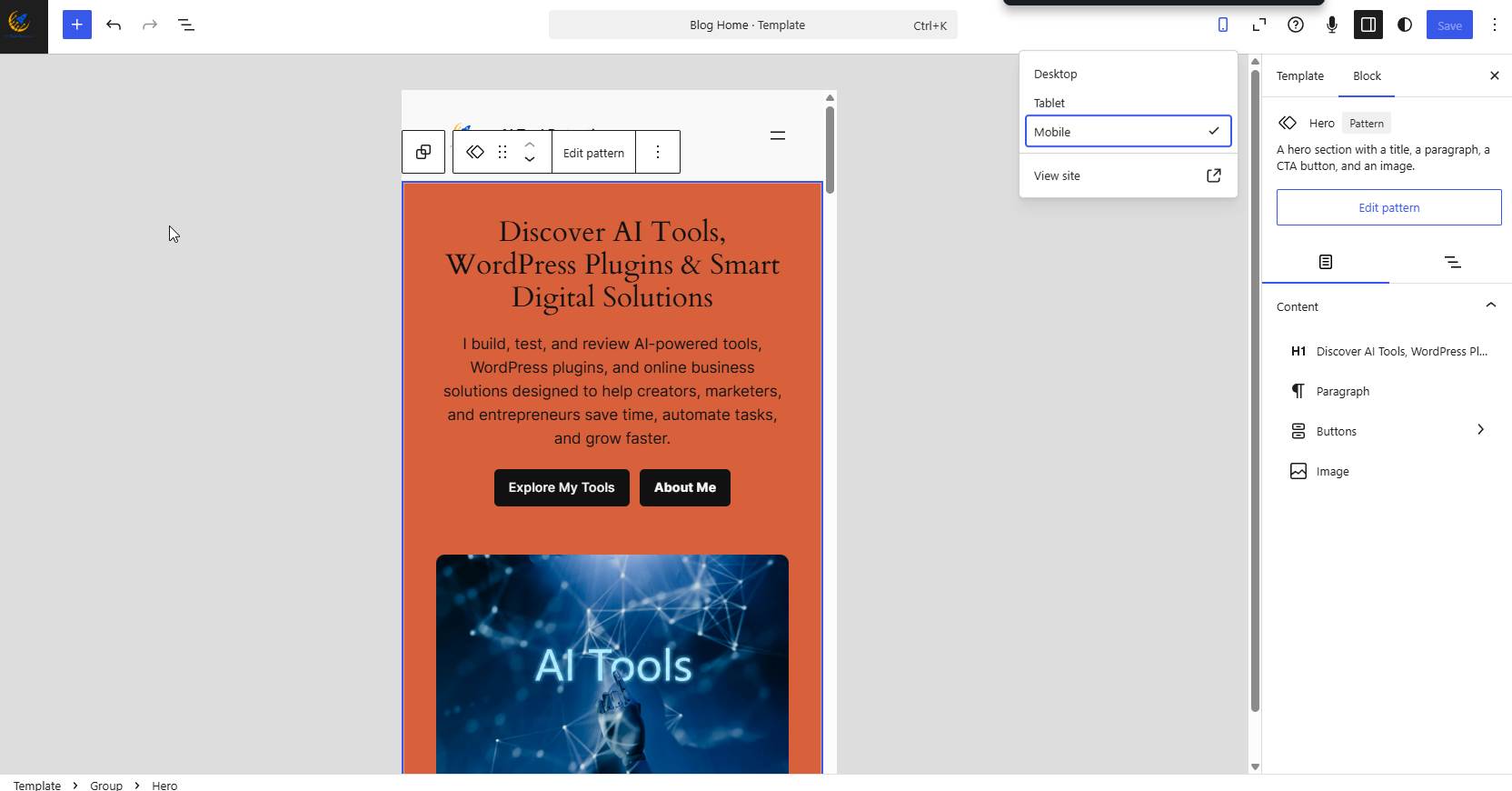
The results were encouraging.
The selected θέμα adapted well to smaller devices.
Navigation remained usable and content remained readable.
Exploring Additional Features
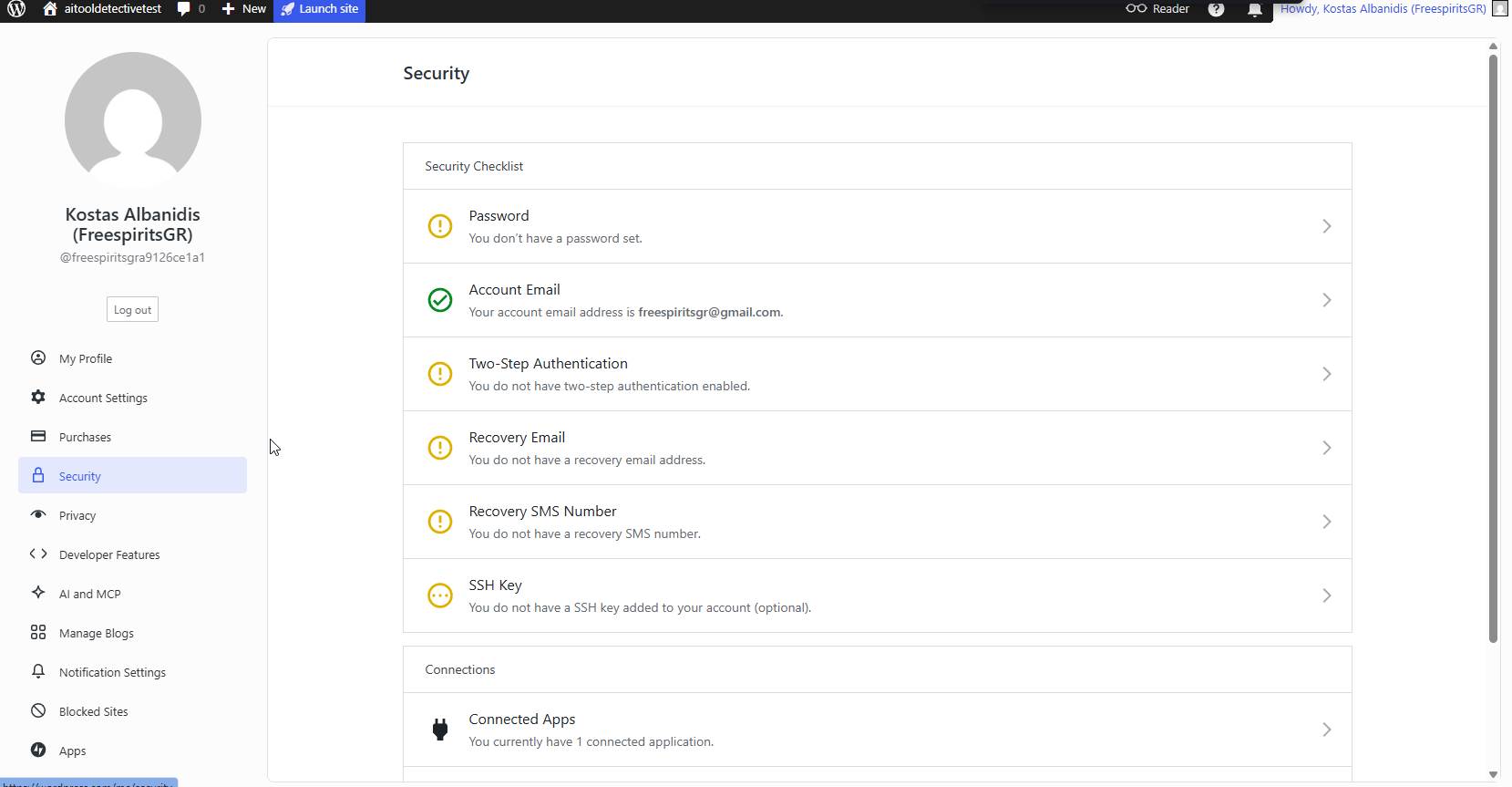
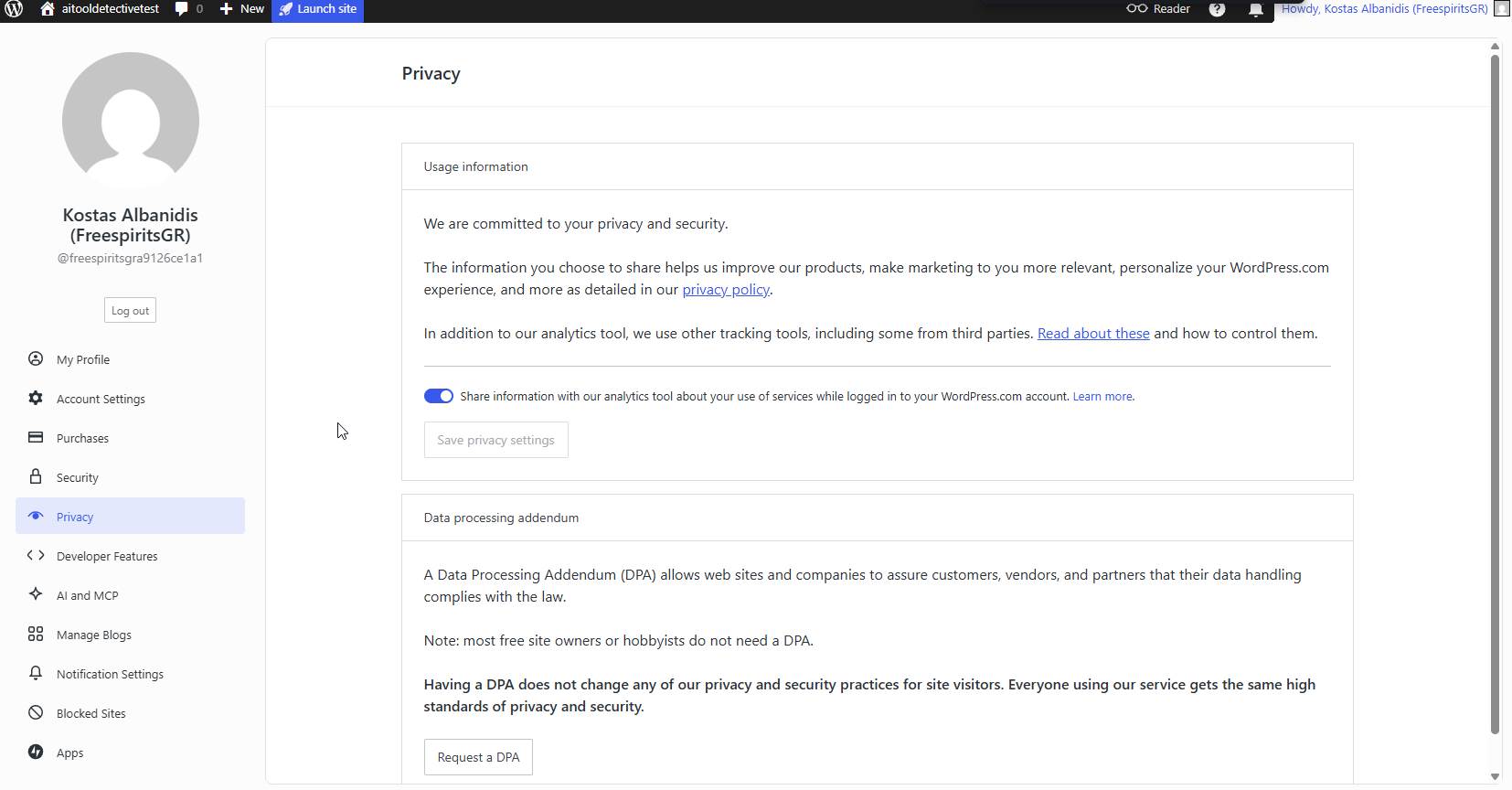
As I spent more time inside the platform, I explored several additional areas.
These included:
Ασφάλεια
Privacy
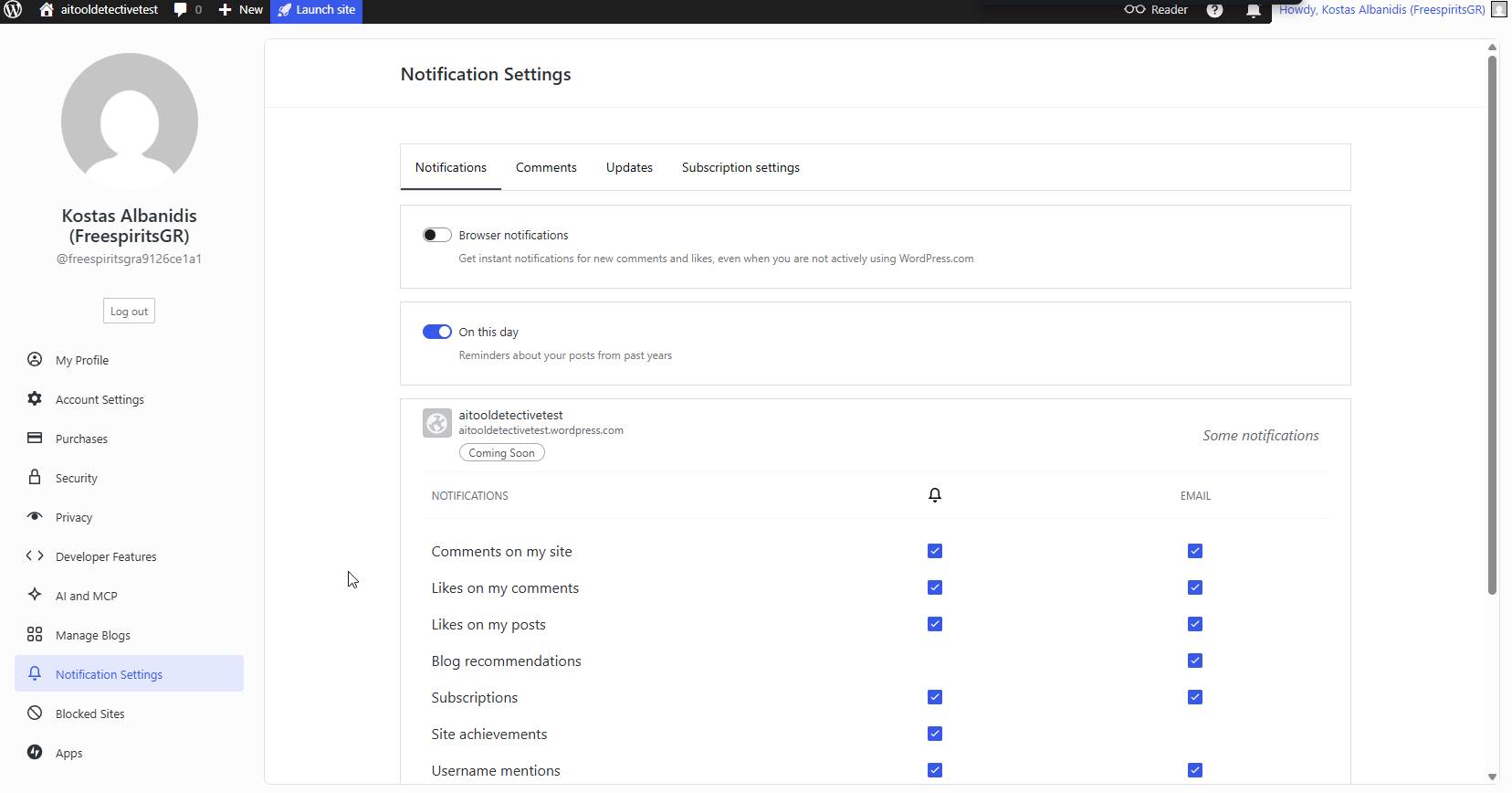
Ειδοποιήσεις
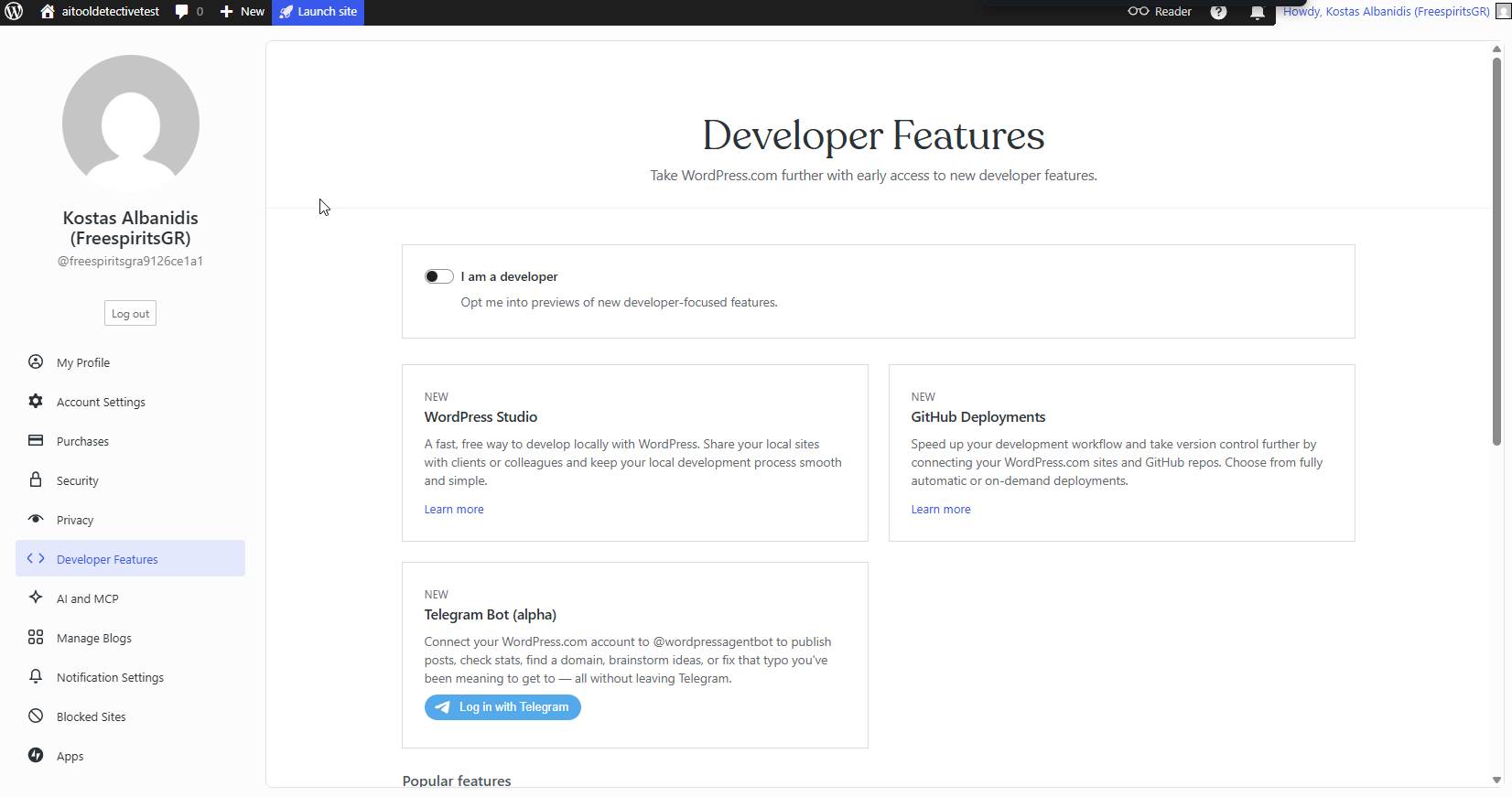
Developer Features
AI and MCP
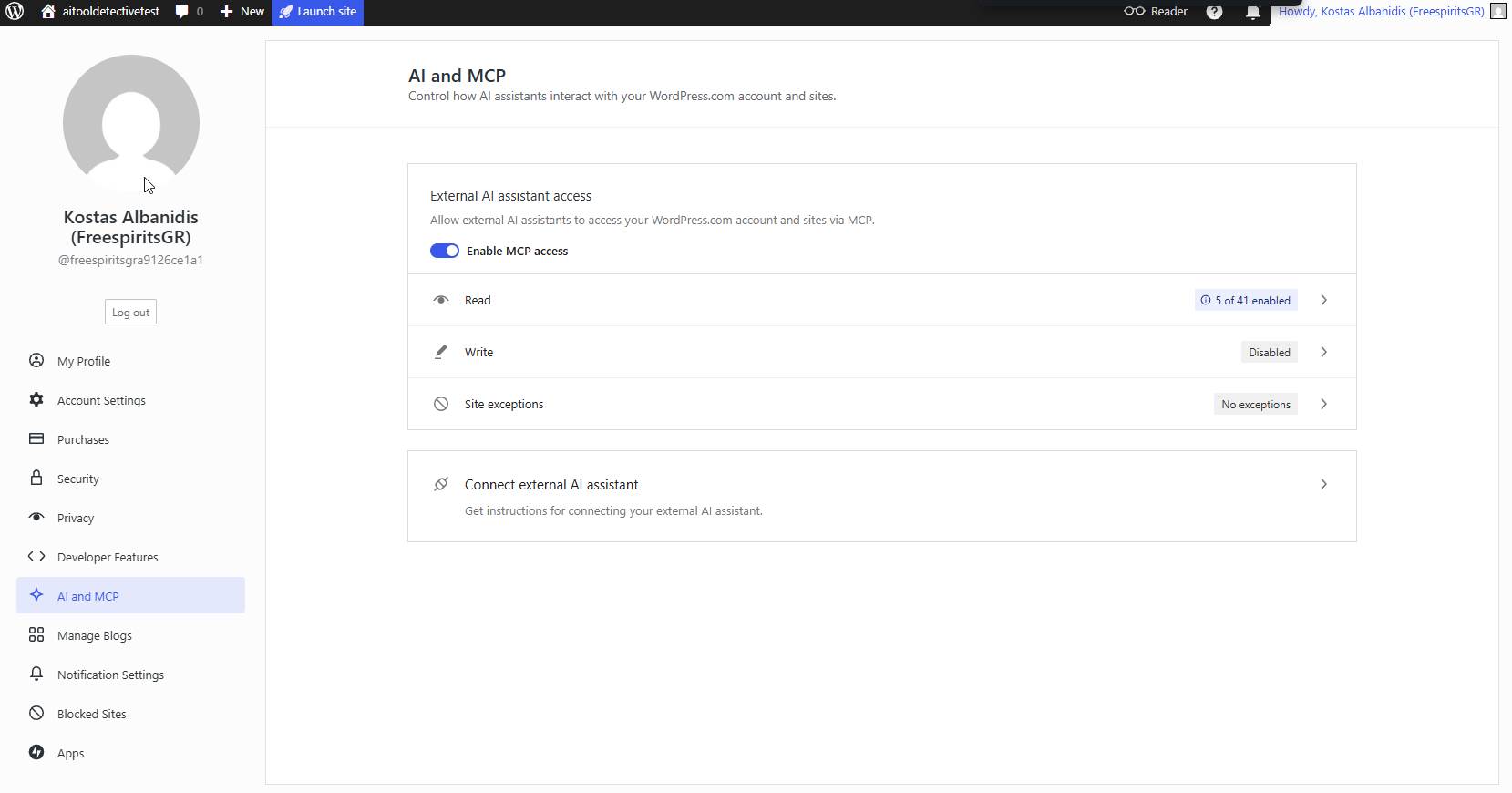
These sections demonstrate how WordPress.com is evolving beyond a simple blogging platform.
What I Liked Most About the Experience
After completing the website, several strengths became clear.
Easy Setup
The onboarding process was excellent.
Managed Infrastructure
No need to worry about server management.
Professional Themes
The available designs were better than I expected.
Security Included
Security features are built into the platform.
Clean Dashboard
Everything is organized logically.
Fast Launch Process
I was able to move from idea to functioning website very quickly.
What I Found Limiting
No platform is perfect.
There were also some limitations.
Less Flexible Than Self-Hosted WordPress
Experienced developers may miss some advanced customization options.
Plugin Restrictions on Lower Plans
Certain features require higher-tier plans.
Higher Long-Term Cost
Depending on your needs, self-hosted WordPress can sometimes be more economical.
Learning Different Workflows
Users familiar with traditional WordPress may need time to adjust.
Is WordPress.com Good for AI Entrepreneurs?
After completing this project, I believe WordPress.com can be an excellent option for:
- AI entrepreneurs
- Software creators
- Consultants
- Coaches
- Content creators
- Freelancers
If your goal is to showcase products rather than manage servers, the platform can save considerable time.
Many creators simply want a website that works.
WordPress.com focuses heavily on that experience.
Final Portfolio Results
After several hours of planning, designing, testing, and refining, the website was complete.
The final result provided:
- Professional appearance
- Clear navigation
- Dedicated project pages
- Mobile responsiveness
- Strong branding
- Easy management
Most importantly, it allowed me to showcase my AI tools in a way that visitors could easily understand.
Final Verdict
Building an AI Tools Portfolio Website on WordPress.com was a valuable experience.
As someone who typically works with self-hosted WordPress installations, I approached this project with some skepticism.
However, I came away impressed by how much the platform has evolved.
WordPress.com successfully removes many of the technical challenges that often discourage people from creating websites.
While advanced developers may still prefer the flexibility of self-hosted WordPress, creators, entrepreneurs, consultants, and AI tool builders may find WordPress.com to be an excellent solution.
The platform allowed me to focus on what mattered most:
showcasing my work, presenting my tools, and creating a professional online presence without worrying about infrastructure.
For anyone considering building a portfolio website in 2026, WordPress.com is absolutely worth exploring.