🕒 39 segundos | 👁️ 10389 | 👤 10385 visits | 📊 100%
To terminate (shut down) Windows using the Command Prompt, you can use the shutdown command with appropriate options.
Command to Shut Down Windows Immediately
- Open Command Prompt: Press
Win + R, typecmd, and pressEnter. - Type the Shutdown Command:
shutdown /s /f /t 0/s– Shuts down the computer./f– Forces running applications to close./t 0– Sets the time delay to 0 seconds (immediate shutdown).
Explanation of the Command
- This command tells Windows to shut down immediately, forcing all running applications to close without saving.
Additional Commands
- Restart the Computer:
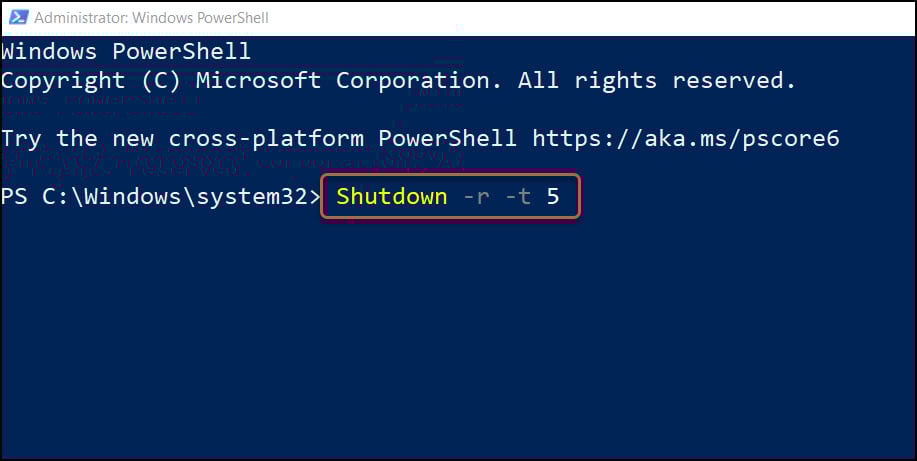
shutdown /r /f /t 0- Force Log Off:
shutdown /l- Abort Shutdown: If you have initiated a shutdown with a delay, you can abort it using:
shutdown /aThese commands should help you terminate or control the shutdown process from the Command Prompt.